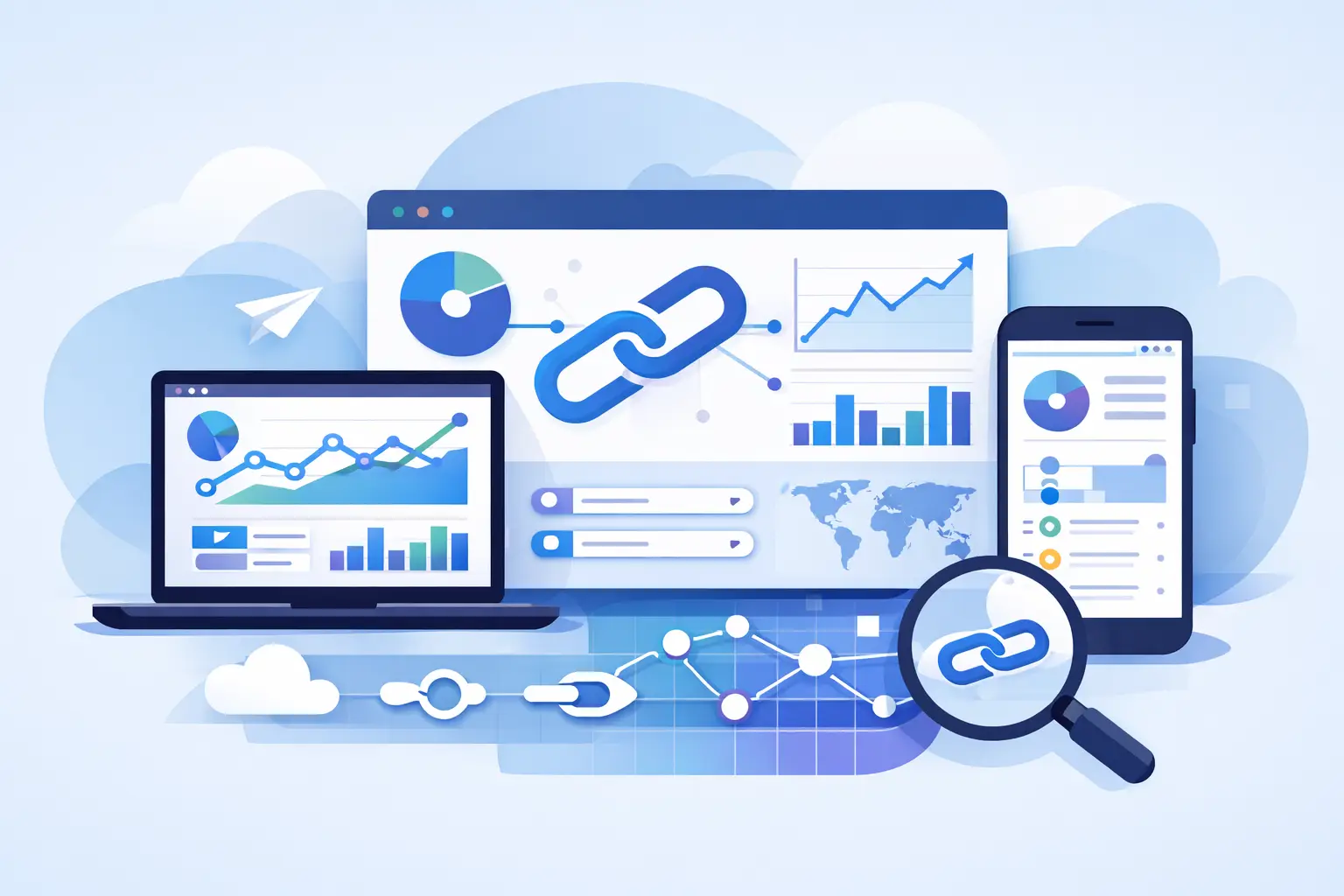
A link gets shared in seconds, but the real value shows up later - in the clicks you can explain, the traffic you can trust, and the campaigns you can improve without guessing. That is why choosing the best link analytics software is not really about shortening URLs. It is about getting clean attribution, better control, and enough visibility to act fast when performance shifts.
For marketers, creators, developers, and startup teams, the wrong tool usually fails in one of two ways. Either it is too basic and leaves you staring at vanity metrics, or it hides useful features behind an enterprise-style setup that feels overpriced for what you actually need. The better option sits in the middle: deep analytics, practical controls, strong safety, and room to scale without adding friction.
What the best link analytics software should actually measure
A click count alone is not analytics. It is a starting point.
The best platforms help you understand where traffic came from, what device people used, which geography converted best, and how link behavior changes over time. That sounds obvious, but many teams still work with link data that is too shallow to support campaign decisions. If you cannot compare channels, isolate spikes, or identify low-quality traffic, you are not really measuring performance. You are just collecting activity.
Good link analytics software should show source and referrer patterns clearly. It should separate mobile from desktop, highlight location trends, and make it easy to tie links back to campaigns, creators, content variants, or ad groups. If your team runs multiple channels at once, this becomes non-negotiable. Social, email, paid media, affiliate traffic, QR campaigns, and product-led sharing all behave differently. You need link-level data that respects that reality.
There is also a difference between reporting and decision support. Reporting tells you what happened. Decision support helps you see what to change next. The best tools move closer to the second category.
Best link analytics software is not just for marketers
Growth teams often buy link tools through marketing, but the use case is wider than that.
Creators need to know which placements drive engagement instead of passive clicks. Startup teams need campaign links that stay organized across launches, product updates, and investor-facing assets. Developers want API access, automation, and a way to push link creation into existing workflows. Customer-facing teams may need controlled redirects, QR code tracking, or location-based routing without relying on manual work every time a destination changes.
That is why a feature list by itself can be misleading. A platform can claim analytics, customization, and tracking while still feeling brittle in daily use. The real question is whether it helps different users work from the same link data without creating a mess.
The features that separate basic tools from serious ones
The first separator is branded control. If you can use custom domains, edit destinations, and organize links by campaign or purpose, your analytics become much more useful because the system stays clean as volume grows. Teams that skip this usually end up with scattered assets, duplicate links, and reporting that takes too long to trust.
The second separator is traffic quality. Not every click should be treated as equal. If a tool can help identify suspicious destinations, risky links, or traffic patterns that look questionable, it gives you a practical edge. Security is not a side feature when your links are public-facing assets. It is part of performance. Bad traffic distorts data, damages trust, and wastes budget.
The third separator is routing flexibility. Sometimes one short link needs to send users to different destinations based on device, region, or campaign logic. That matters for app flows, mobile-first experiences, international campaigns, and QR use cases. If your software cannot handle routing logic cleanly, your analytics may stay accurate while the user experience still suffers.
The fourth separator is automation. Teams that create links manually forever usually hit an efficiency wall. API access, webhooks, browser tools, and workflow integrations matter because they reduce repetitive work and lower the chance of tagging mistakes. Analytics quality depends on process quality more than most teams admit.
Why safety deserves a place in the buying decision
A lot of buyers treat safety as separate from analytics. That is a mistake.
If your platform lets risky destinations slip through, your brand is exposed before the first campaign report even loads. A safer system checks destinations at the point of creation, flags problems early, and reduces the odds of malicious links entering circulation. That protects users, but it also protects the quality of your analytics. Fraudulent or manipulated traffic can distort the picture fast.
This is one of the clearest areas where modern link platforms are improving. Transparent trust scoring and automatic blocking of dangerous destinations turn link management from a passive utility into an active control layer. For teams running high-volume campaigns or public-facing content, that difference matters.
What AI-era traffic changes about link analytics
Traffic is getting harder to interpret because not every visit comes from a human with a browser and a predictable path. AI agents, automation layers, previews, bots, and machine-driven retrieval can all touch links in ways that traditional shorteners were not built to explain.
That does not mean every non-human click is bad. It means your analytics software should help distinguish what kind of traffic you are seeing. If your team is distributing content that may be referenced, summarized, or accessed by AI systems, visibility into agent-driven activity becomes useful fast. Otherwise, you may overvalue some interactions and undervalue others.
This is also where older link tools start to feel dated. They were built for a simpler web. Modern teams need analytics that account for more than browser clicks, especially if they work across content, automation, support workflows, and AI-assisted discovery.
How to evaluate the best link analytics software for your team
Start with your reporting questions, not the vendor homepage.
If your team mainly needs campaign attribution, test how quickly you can isolate source, device, geography, and time-based patterns. If your workflow depends on branded sharing, look at domain control, redirect editing, and asset organization. If you publish at scale, test API depth and automation options. If security matters, check whether the platform only reports after the fact or actively prevents risky links from going live.
Then look at usability. Advanced data is useless if your team avoids the dashboard because it is slow or confusing. The best software gives you enough detail to answer serious questions without turning simple tasks into admin work.
It is also worth checking how well the platform supports cross-device and cross-channel campaigns. A tool may look strong in social sharing but fall apart when QR codes, mobile routing, or workflow automation enter the picture. The trade-off usually comes down to focus. Some products are easy for one-person use but thin for teams. Others have depth but feel oversized for everyday work. The best fit depends on how many links you manage, how many people touch them, and how much decision-making depends on the data.
A smarter standard for link software
The market has trained a lot of users to expect a basic shortener with a few analytics screens attached. That bar is too low now.
The best link analytics software should help you shorten, track, customize, secure, and scale from one place. It should make branded distribution easier, not more expensive. It should help teams move faster without sacrificing visibility. And it should give you enough confidence in the data to change campaigns while they are still running, not after the budget is gone.
That is why newer platforms are winning attention. They are closing the gap between lightweight usability and premium-grade controls. In practical terms, that means features like custom domains, QR tracking, routing logic, API access, safety scanning, and deeper analytics are no longer reserved for teams willing to overpay for a familiar name. AWSYS is part of that shift, with a stronger focus on trust scoring, malicious destination blocking, and AgentLink analytics for teams that want more than standard click reports.
If you are choosing a platform now, set a higher standard than total clicks and a short URL. The right tool should help you trust what you are seeing, act on it quickly, and keep every shared link working harder for your brand. #AWSYSCO