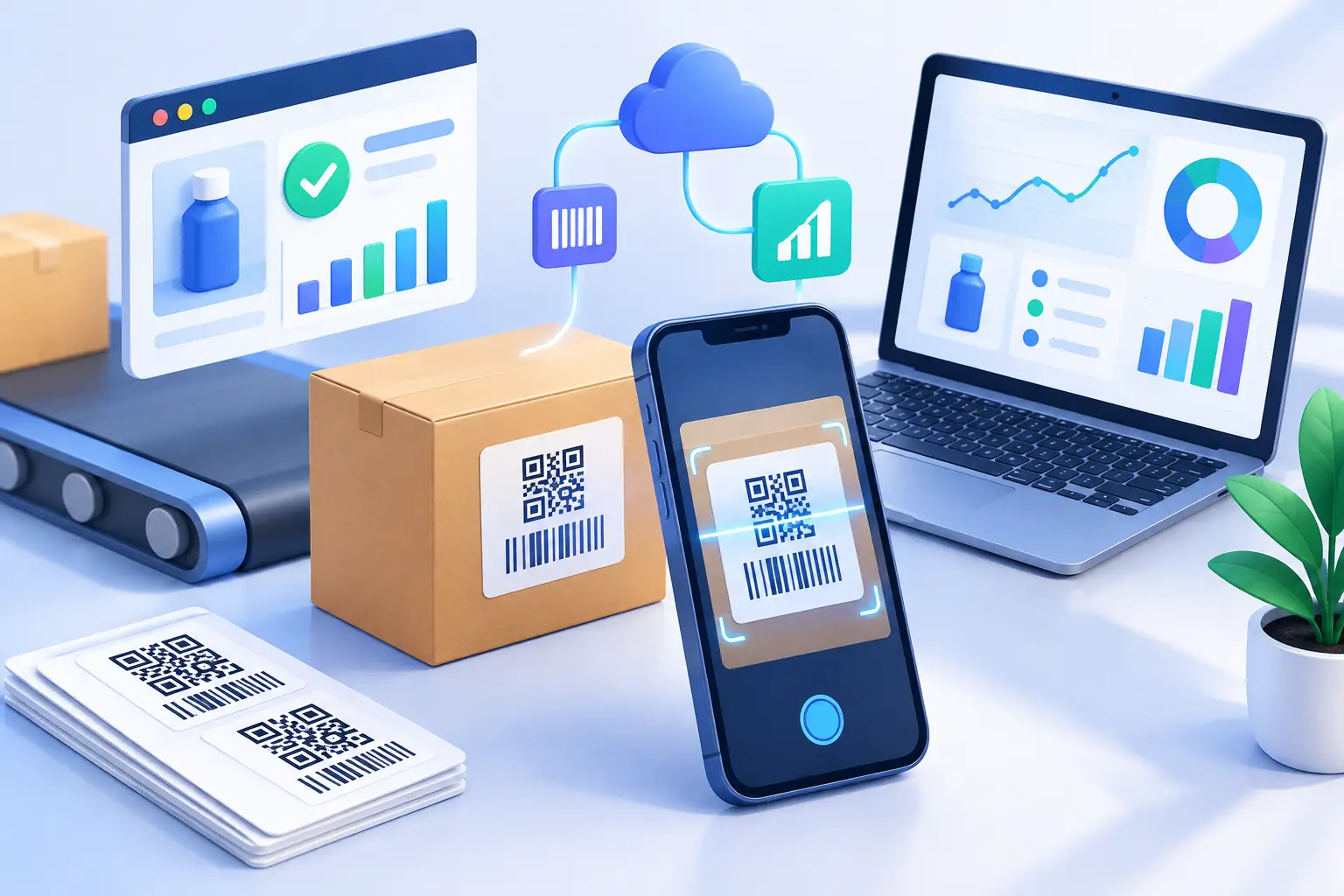
A product label has only a few seconds to earn attention. A customer might be standing in a store aisle, opening a delivery, or seeing your product in a social post. When they scan, the experience needs to work immediately. To create scannable product labels that drive action, treat the QR code as a measurable entry point to your product experience, not a decorative square added at the end of design.
The strongest labels pair clear visual direction with a fast, trustworthy destination. They also give your team data: which products get scanned, where interest comes from, what devices people use, and whether a campaign actually moves customers beyond the package.
Start with one action per label
A QR code can lead to almost anything, which is exactly why vague labels underperform. “Scan me” asks for effort without explaining the payoff. Give customers a specific reason to use their phone.
For a food or beverage product, that might be recipes, sourcing details, ingredient information, or a reorder page. For beauty, it could be application instructions, shade guidance, or a routine builder. For consumer electronics, the best destination may be a quick-start video, setup guide, warranty registration page, or support hub.
Choose the action based on the moment. Someone holding a product before purchase usually needs confidence. Someone who has already bought it may need help getting value from it. Trying to send both audiences to one crowded page can work, but it often creates friction. If the customer journey differs by package, region, or campaign, use separate destinations and track them independently.
Your call to action should make the exchange obvious. “Scan for 30-second setup,” “Scan for recipes,” or “Scan to verify your product” is stronger than generic language because it tells the customer what they get.
Create scannable product labels with a QR code built for print
A QR code that scans perfectly on a screen can fail on a label. Print size, surface material, contrast, curvature, and finishing choices all affect performance. Design for real conditions, not a clean desktop mockup.
Start with a high-contrast code. A dark code on a light background remains the safest choice, especially when products may be used outdoors, under store lighting, or by customers with older phone cameras. Reversing the colors or placing a code over a photo can look distinctive, but it raises the risk of poor scans. If brand design requires a more stylized treatment, test it aggressively before approving a production run.
Leave clear empty space around the code. This area, often called the quiet zone, helps a phone camera recognize the code’s edges. Avoid placing text, borders, patterns, or other design elements too close. The code itself also needs enough physical size for the scan distance. A code on a small cosmetic tube has different constraints than one on a shipping carton or countertop display.
Print quality matters as much as layout. Glossy finishes can create glare, textured stock can blur small details, and curved containers can distort a tightly placed code. Request a physical proof whenever possible. Then test it under normal lighting, at an angle, and from the distance a customer would actually hold their phone.
Before printing at scale, run a simple test set:
- Scan with both iPhone and Android cameras.
- Test several code sizes and the final label material.
- Check scans in bright light, low light, and near reflective surfaces.
- Confirm the code works after packaging is bent, wrapped, or handled.
- Test the destination on mobile data, not only office Wi-Fi.
A label that looks premium but needs three attempts to scan creates doubt at the exact moment you want to build trust.
Use dynamic QR codes instead of fixed destinations
Static QR codes embed the final destination directly in the image. They are fine for permanent, low-stakes information, but they are a poor fit for most growth campaigns. If a page changes, a promotion ends, or a typo reaches print, the static code cannot be updated without replacing the label.
A dynamic QR code points to a managed short link instead. You can update the destination after printing while keeping the QR image in place. That gives product teams room to improve the experience, retire expired campaigns, route different markets to relevant pages, and avoid wasting inventory when a URL changes.
It also makes attribution practical. Create a unique link for each SKU, package version, retail display, event, or campaign. Without that separation, scans become one blended number that cannot tell you what is working.
Make the destination mobile-first and worth the scan
The QR code is not the finish line. It is the handoff. A customer who scans a sharp-looking label and lands on a slow, generic, desktop-style page is unlikely to continue.
Build the destination for a phone screen first. Put the promised value near the top, keep forms short, and avoid forcing people to create an account before they can access basic content. If the label says “Scan for setup,” open directly to setup instructions. Do not make customers search through a homepage to find them.
The right destination depends on your goal. A brand looking for repeat purchases may send scanners to a personalized reorder flow. A startup launching a physical product may use the scan to collect opt-in feedback after customers have tried it. A retail campaign may feature a limited-time offer. In every case, make the connection between label and page immediate.
Branded short links can reinforce that connection. A recognizable domain tells people where the scan is taking them, which can reduce hesitation when the product is unfamiliar. It also gives packaging a cleaner, more intentional look when you include a readable fallback URL beneath the code.
That fallback matters. Not everyone will scan, and some customers prefer to type a short address on a laptop later. Keep it short, legible, and relevant to the action. A long tracking URL printed at tiny size does not help anyone.
Track scans like a product channel
Packaging is often treated as a fixed cost. With trackable QR codes, it becomes a live channel that can be measured and improved. The scan itself is useful, but the context around it is where decisions become clearer.
Look at total scans alongside time, geography, device type, referrer data where available, and downstream behavior. A jump in scans after a retail rollout can show product curiosity. A high scan rate with low completion on the destination may point to a weak page, poor message match, or slow mobile performance. Low scans across a specific SKU may indicate that the code is hard to find, too small, or paired with an unconvincing call to action.
Name links consistently from the beginning. A simple convention such as product-line_SKU_label-version_campaign makes it easier to organize reporting later. The exact format matters less than consistency. When dozens of labels are live, clean naming prevents attribution from turning into a spreadsheet repair project.
AWSYS can support this workflow with dynamic QR codes, branded links, detailed click analytics, and safety scanning at link creation. That combination lets teams update campaigns without reprinting labels, see how customers engage, and reduce the risk of sending a product audience to an unsafe destination.
Protect trust at the point of scan
A QR scan asks customers to leave the physical product and open a digital experience. That is a trust-sensitive moment. Use a recognizable branded domain when possible, make the destination match the packaging promise, and avoid sending customers through unnecessary redirects.
The content behind the code should stay current. Expired promotions, broken videos, and “page not found” errors make a product feel neglected. Set an owner for every label link, especially for seasonal packaging and partner promotions. Dynamic links make updates easier, but someone still needs to review what customers see.
Security matters here too. Before distribution, verify every destination and use link tooling that checks for malicious or suspicious targets. A scannable label is part of your brand surface, not a side project.
Test the full experience before production
The most useful test is not “Does the code scan?” It is “Can a customer understand the offer, scan successfully, and complete the next step without help?” Have someone unfamiliar with the project try it. Watch where they pause.
Test the final printed package, not only a PDF. Test the page on several phones. Then test again after changing the QR style, destination, or label copy. Small adjustments to placement and wording can create a large difference in scan behavior.
A great product label does more than carry required information. It gives customers a fast path to confidence, help, and a reason to come back. Build that path with a clear promise, a code designed for the real world, and analytics that tell you what happens next. #AWSYSCO