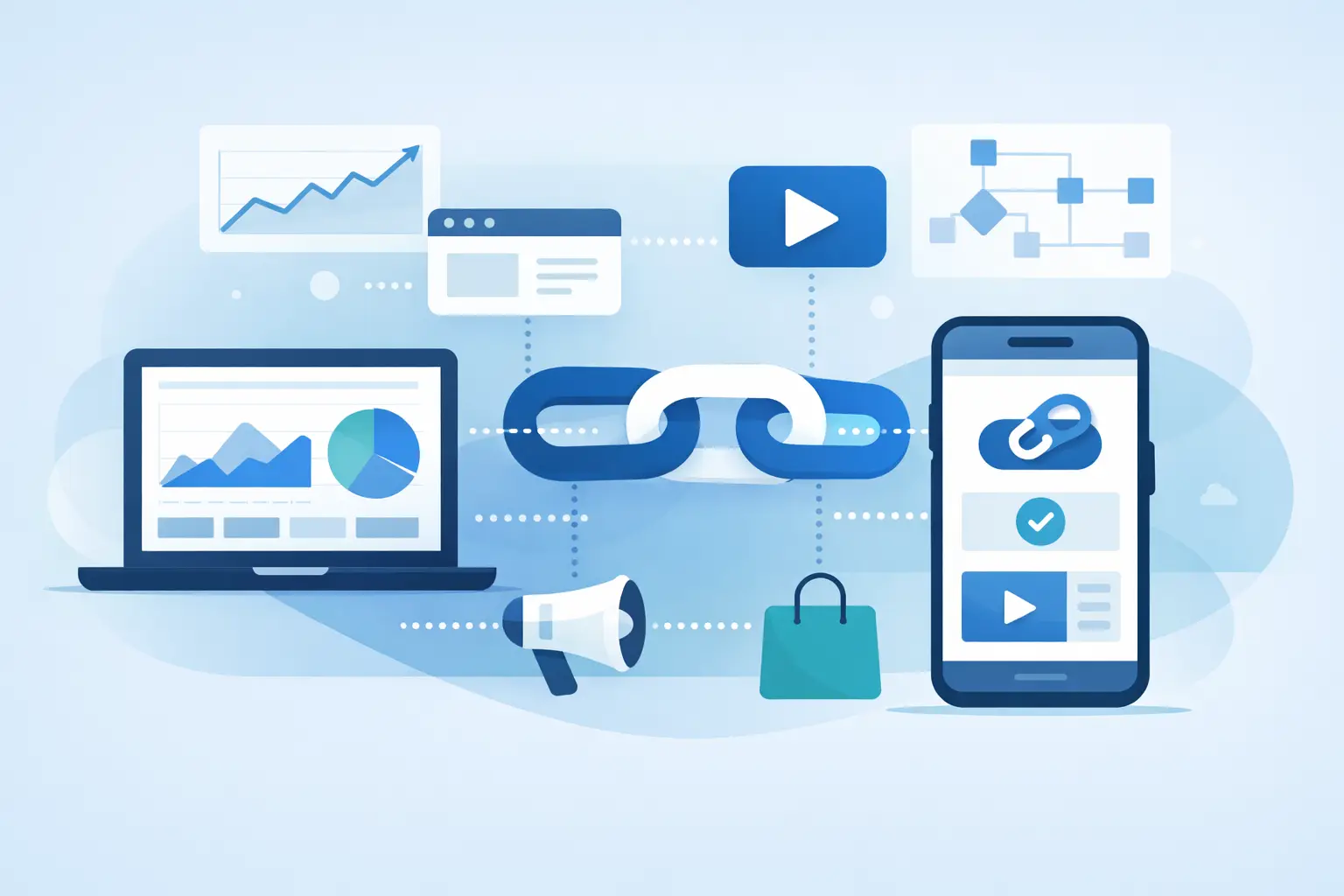
A campaign can have strong creative, a sharp offer, and a healthy media budget, then still lose momentum at the moment someone sees a generic, unrecognizable URL. That is the gap a guide to branded link campaigns should solve. A branded link is not just a shorter address. It is a controlled campaign asset that signals who is behind the click, captures performance data, and gives your team a clearer path from distribution to outcome.
For growth teams, creators, and developers, the goal is simple: every link should earn trust before the click and produce useful data after it. That requires more than pasting a long URL into a basic shortener.
What makes a branded link campaign work
A branded link campaign uses a custom domain and a consistent naming structure to distribute trackable links across channels. Instead of sending people to an anonymous short URL, you send a destination that reflects your company, product, event, or creator brand.
The branding matters because people make fast decisions about whether a link looks safe. A readable domain paired with a clear path such as `go.yourbrand.com/demo` tells a recipient what they can expect. It also makes the link easier to remember, repeat verbally, and spot in a crowded social feed.
But recognition is only the first benefit. A proper campaign setup gives you one place to measure clicks by source, device, geography, time, and referral context. You can compare the link shared in a newsletter with the one used in a creator post without relying solely on broad, channel-level reporting.
The trade-off is that branded links need governance. If every teammate creates paths in a different style, reporting becomes messy and your links stop looking intentional. The best campaigns balance speed with a few simple operating rules.
Start with the campaign outcome, not the short URL
Before creating anything, define what the link is meant to accomplish. A product launch may prioritize qualified visits to a landing page. A creator partnership may prioritize attributed traffic from a specific audience. A QR code on packaging may need to measure scans by retail region and send mobile visitors to a device-friendly page.
One primary outcome keeps your reporting honest. Click volume alone can be useful, but it is not always success. A link that generates fewer clicks and more trial starts may be far more valuable than a viral post that sends unqualified traffic.
Decide which downstream signal matters before distribution: signup completion, demo request, content engagement, app install, purchase, or another event your team can validate. Then build the campaign around that signal.
Separate campaign identity from channel identity
Your naming convention should make it possible to answer two questions at a glance: what campaign is this, and where did this version appear?
For example, a spring product release might use paths such as `go.brand.com/spring-email`, `go.brand.com/spring-linkedin`, and `go.brand.com/spring-qr`. The structure is readable without being overly long. It also makes exports, reports, and team handoffs easier to manage.
Avoid cryptic paths such as `x7q9p` when the link will be seen by customers. Random strings may be acceptable for internal testing, but public campaign links should provide context. At the same time, do not overstuff paths with every targeting detail. Keep the visible link human-friendly and retain deeper segmentation in campaign tags and analytics.
Build a trustworthy destination before distribution
A branded domain alone does not guarantee trust. The destination page needs to match the promise made by the link. If a link says `go.brand.com/free-guide`, it should not open a generic homepage and force visitors to hunt for the asset. That mismatch wastes clicks and can make future messages feel less credible.
Check the final destination on mobile and desktop before publishing. Confirm that page load, form behavior, tracking parameters, and redirects all work as expected. If the campaign includes a QR code, test it with several phone cameras under normal lighting conditions, not just from a high-resolution design file.
Safety checks belong in the creation workflow too. Teams should know whether a destination presents a risk before it is distributed across paid media, email, partner networks, or social posts. AWSYS adds transparent trust scoring at link creation and blocks malicious destinations automatically, helping teams avoid sending audiences toward unsafe URLs by mistake.
That protection is especially useful when links are created at speed by multiple contributors or generated through an API. A fast workflow should reduce friction, not remove basic safeguards.
Use one campaign, multiple link variants
A common reporting mistake is using one generic link everywhere. It may be convenient, but it forces you to guess which channel, placement, or partner caused the activity. Create distinct branded variants for meaningful distribution points while keeping them tied to the same campaign.
Use separate links when the audience, placement, or creative message changes. An email button, a podcast mention, a paid social ad, and a QR code should typically have their own versions. You can then see which context produces clicks and which produces the behavior you actually want.
Do not create a new link for every tiny variation if your team cannot act on the difference. Too much fragmentation creates noise. The right level of detail depends on campaign volume, team capacity, and how much optimization control you have over each channel.
Plan routing for the visitor, not your internal org chart
Traffic routing can improve the experience when audiences need different destinations. Mobile visitors may need an app store or mobile-first page. Visitors in different regions may need localized content. Existing customers may need a different path than prospective buyers.
Use these rules only when they make the next step clearer. Overly complicated routing is harder to test and can make attribution difficult to interpret. Every route should have a clear reason, an owner, and a fallback destination.
For time-sensitive campaigns, routing also prevents a familiar problem: an old link continuing to point at an expired promotion. If the branded link is the stable front door, you can update the destination without editing every past post, printed asset, or partner placement.
Measure the quality of traffic, not just the click count
Click analytics should help you make a decision. Start with the basics: total clicks, unique visitors, click timing, devices, geography, and referral sources. Then compare these signals against the channel's intended role.
A creator link may show strong mobile traffic and concentrated activity shortly after a post goes live. A B2B email link may get fewer clicks but generate higher-intent visits during business hours. A QR code may expose a gap between where a physical asset is placed and where its audience actually responds.
Look for patterns that can change your next action. If one social placement drives plenty of clicks but weak engagement, review the audience match and landing-page message. If a short, descriptive path outperforms a more promotional version, use that insight in the next batch. If a particular device segment drops off, test the destination experience rather than assuming the channel failed.
AI-driven discovery adds another layer to this work. Links may increasingly be accessed, summarized, or passed through AI agents before a human visitor arrives. Distinguishing agent traffic from human traffic helps prevent inflated assumptions about audience behavior. AgentLink analytics give teams a clearer view of that emerging traffic class so reporting can remain grounded in what people actually did.
Create an operating system your team will follow
Campaign performance suffers when links live in spreadsheets, direct messages, browser bookmarks, and disconnected tools. Centralize link creation, naming, ownership, destinations, and reporting. Your system does not need to be complicated, but it should answer who created a link, what campaign it belongs to, where it was distributed, and whether it is still active.
Set a short pre-launch review for high-visibility links. Check the branded domain, path, destination, tags, routing rules, safety status, and test clicks. For lower-risk links, use templates and permissions so teammates can move quickly without rebuilding the process each time.
Developers can take this further through API-based link creation and webhooks. That is useful when a product workflow, CRM action, or content system needs to generate links automatically. The principle stays the same: automate repeatable work, but preserve campaign naming, measurement, and destination checks.
Improve the next campaign while the data is fresh
Do not wait for a quarterly report to review link performance. Check early signals soon after launch, especially for paid placements, partner posts, and live events. Early data can reveal a broken destination, a missing attribution tag, or an unexpected source of traffic while there is still time to respond.
After the campaign, record the findings in plain language. Which channels brought qualified visitors? Which link paths earned the strongest engagement? Did routing improve the visitor experience? Were there suspicious clicks, failed destinations, or traffic patterns worth monitoring next time?
A branded link campaign works best when each shared URL is treated as both a customer-facing signal and a measurable product surface. Build links people recognize, send them somewhere useful, and let the data guide the next decision. Start shortening safely, keep your naming disciplined, and give every campaign a link worth clicking. #AWSYSCO