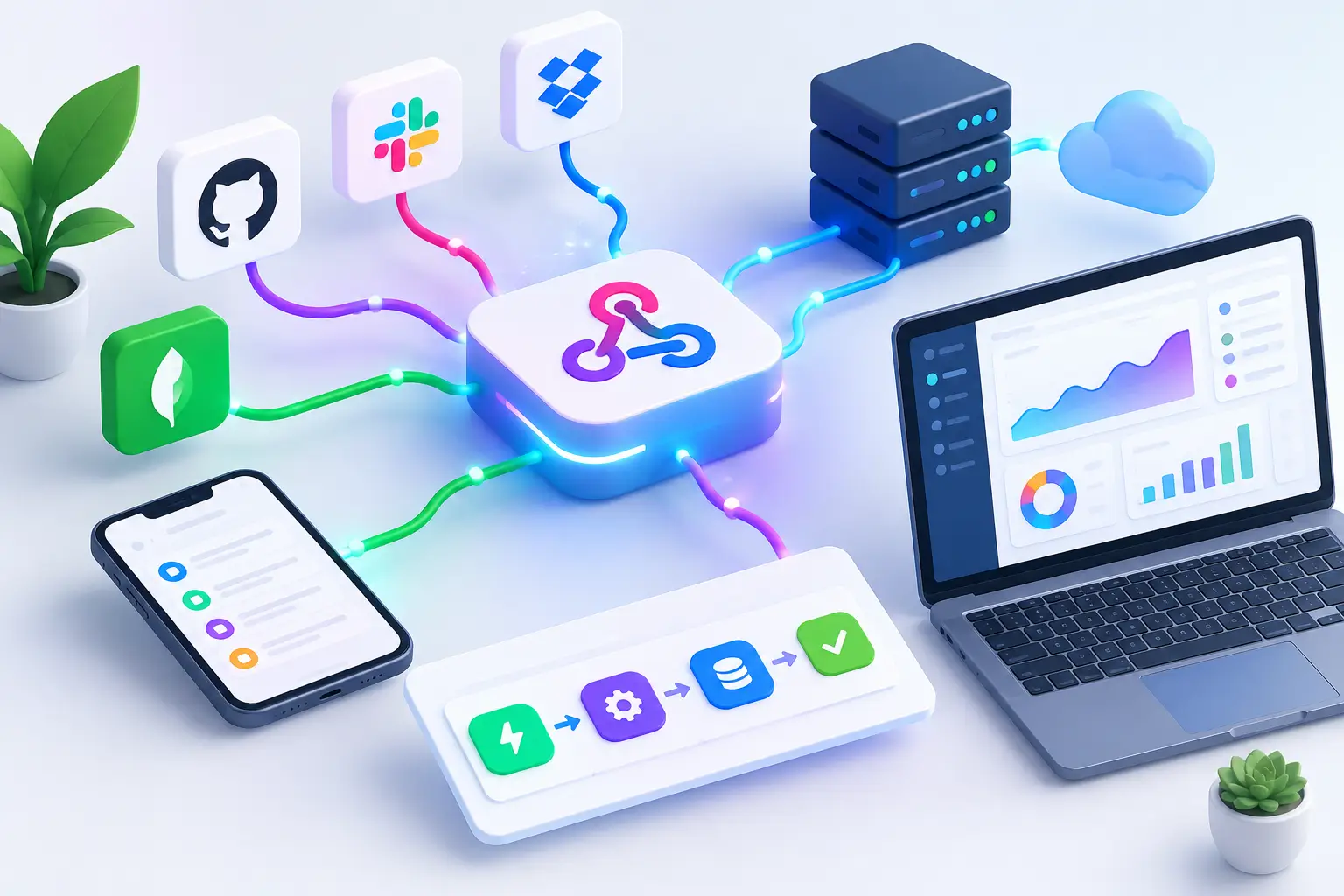
A campaign link gets clicked at 9:02 a.m. By 9:03, the right team should know whether that click came from a high-intent source, a suspicious destination, or an AI agent. That is the practical value of a guide to webhook automation: moving useful events out of a dashboard and into the tools where your team can respond.
For marketers, webhooks reduce the delay between campaign activity and action. For developers, they remove the need to repeatedly ask an API whether something changed. For growth teams managing branded links at scale, webhooks turn link creation, safety checks, clicks, routing changes, and attribution events into connected workflows instead of manual follow-up.
What webhook automation actually does
A webhook is an automated HTTP message sent from one application to another when a defined event happens. It is event-driven. Rather than having your CRM, analytics system, or internal app poll a platform every few minutes, the platform pushes the event to a URL you control.
Think of it as a delivery receipt with instructions. An event occurs, such as a short link being created or a click being recorded. The source system packages details about that event, usually as JSON, and sends them to a webhook endpoint. Your receiving application checks the message, stores what matters, and triggers the next step.
That next step might be simple: add a campaign record to a spreadsheet or notify a channel when a link receives an unusual burst of traffic. It can also be more operational: create a lead in a CRM, flag a questionable destination for review, update an internal reporting table, or route an event through a queue for later processing.
The difference matters. APIs are ideal when you need to request information on demand. Webhooks are better when the timing of a change is the trigger. Most mature workflows use both: webhooks for immediate notification and APIs for follow-up data or actions.
Where webhook automation creates the most value
Link management produces events that are easy to overlook when they live only inside a reporting interface. A webhook lets your team make those events useful in the rest of the stack.
A content team can create a branded campaign link and automatically send its slug, destination, tags, and owner into its project system. That prevents the familiar problem of a link being published before anyone documents where it belongs.
A performance marketer can send click events into an analytics pipeline, then compare source, device, geography, referrer, and campaign metadata against conversion results. The goal is not to collect more data for its own sake. It is to shorten the gap between traffic patterns and budget decisions.
A security-minded team can treat a blocked or risky destination as an immediate operational signal. Instead of discovering a problem after a link has circulated, it can notify the right owner and stop a campaign handoff until the destination is reviewed.
AI traffic adds another reason to automate. Traffic from AI agents and assistant-driven experiences may behave differently from traditional browser sessions. Sending AgentLink-related events into your reporting workflow helps separate automated discovery from human engagement, so campaign conclusions are based on clearer attribution.
Build a webhook workflow around one decision
The easiest way to create brittle automation is to start with every event you can receive. Start with a decision instead.
Ask: when this event happens, what should change? If the answer is vague, such as send data somewhere, the workflow will likely produce noise. A better answer is: when a campaign link is created, log it with the owner and channel so reporting is complete before launch. Or: when a destination fails a safety check, notify the campaign owner and create a review task.
Once the decision is clear, map four parts of the workflow: the event, the payload, the destination, and the action. The event is the trigger. The payload is the information included with it. The destination is your receiving endpoint or automation platform. The action is the business outcome after validation.
For example, a new-link workflow could look like this: a team member creates a short URL, the link platform sends a creation event, the endpoint verifies the request, and an automation records the link ID, custom domain, campaign tag, destination, and creator in a campaign database. The system can then send a concise confirmation to the team.
Keep the first version narrow. You can add segmentation and branching after you know the event data is reliable.
Choose events that match your operating model
Not every event deserves a webhook. High-volume click events can be valuable for a data warehouse or real-time alerting system, but they may overwhelm a lightweight automation tool. In that case, aggregate events, filter them, or send them to a queue before running downstream actions.
Link lifecycle events are usually lower volume and easier to act on. These include link created, updated, archived, destination changed, custom domain assigned, or QR code generated. They work well for documentation, campaign approvals, and asset management.
Safety and routing events tend to need faster attention. A blocked destination, trust-score change, or routing rule update can affect an active campaign. Configure alerts for the people who can actually make a decision, not a broad channel that trains everyone to ignore notifications.
Click and engagement events require more nuance. A single click is rarely a reason to page someone. A defined threshold, a sharp change by referrer, or a mismatch between expected and actual traffic can be meaningful. Automation works best when it supports a rule your team already trusts.
Make delivery reliable before making it clever
Webhook automation is only as useful as its failure handling. Networks time out, endpoints return errors, and the same event can be delivered more than once. Plan for these realities from the beginning.
First, validate every incoming request. Use a shared secret, signature verification, or another authentication method supported by the sender. Do not treat an exposed endpoint as trustworthy simply because the payload looks familiar. Store secrets outside your code, rotate them when needed, and restrict access to the receiving service.
Second, build for idempotency. This means your workflow can safely process a duplicate event without creating duplicate records, duplicate alerts, or duplicate customer actions. Save the event ID or a stable combination such as link ID plus event timestamp, then check whether it has already been handled.
Third, acknowledge quickly and do heavier work asynchronously. A webhook sender often expects a successful response within seconds. If your handler needs to enrich data, call several services, or generate a report, accept the event first and place the work in a queue. This reduces delivery failures and makes troubleshooting easier.
Finally, decide what should happen when an action fails. Retrying makes sense for a temporary API outage. It does not make sense to retry an invalid payload forever. Separate temporary failures from permanent ones, keep an error log, and send failed events to a review queue when human judgment is needed.
Use payload design to improve reporting
A webhook payload should contain enough context for the receiving system to act without guessing. At minimum, preserve a unique event ID, event type, event time, link ID, and workspace or account context. For campaign workflows, include meaningful tags, source labels, and the short URL or slug where available.
Be careful with personal data. A click event may contain data your team does not need in every destination. Send the minimum necessary fields to each system and keep access limited to the people and services that use them. Better data discipline also makes dashboards easier to read.
Normalize naming before volume grows. If one team calls a campaign spring-launch and another uses Spring Launch 2026, automation cannot reliably group performance. Establish conventions for campaign IDs, channels, regions, and owners. This is unglamorous work, but it is what turns event streams into decisions.
A practical link automation example
A startup launching paid and creator campaigns wants every distributed link to be branded, trackable, and reviewable. Its workflow begins when a marketer creates a link in AWSYS with a campaign tag, destination, and custom domain. A creation webhook sends that information to an internal campaign register.
The register checks whether the campaign tag and owner are present. If either is missing, it creates a task for correction rather than allowing an undocumented asset to disappear into chat history. If the link meets the required fields, the workflow records the asset and shares it with the reporting system.
Next, click events flow into analytics where they are grouped by channel, device, geography, and referrer. A separate rule watches for abnormal spikes or suspicious patterns. The team does not need to manually export reports each morning, and it does not need an enterprise-sized budget to maintain visibility.
This is not a case for automating every click into five different apps. The better design is one dependable event stream, clear ownership, and a small number of actions tied to real campaign decisions.
Test the workflow like a production system
Before connecting webhooks to live campaign actions, send test events with missing fields, duplicate IDs, delayed timestamps, and unexpected event types. Confirm that the receiver rejects invalid requests safely and that retries do not create duplicate activity.
Monitor delivery rates, processing time, error categories, and queue depth. If an event drives a critical action, give it an owner. Automation without ownership is just a faster way to create an unnoticed failure.
The best webhook workflows stay nearly invisible when they work. They give your team cleaner data, faster signals, safer link operations, and fewer repetitive checks - leaving people to decide what to do next. #AWSYSCO