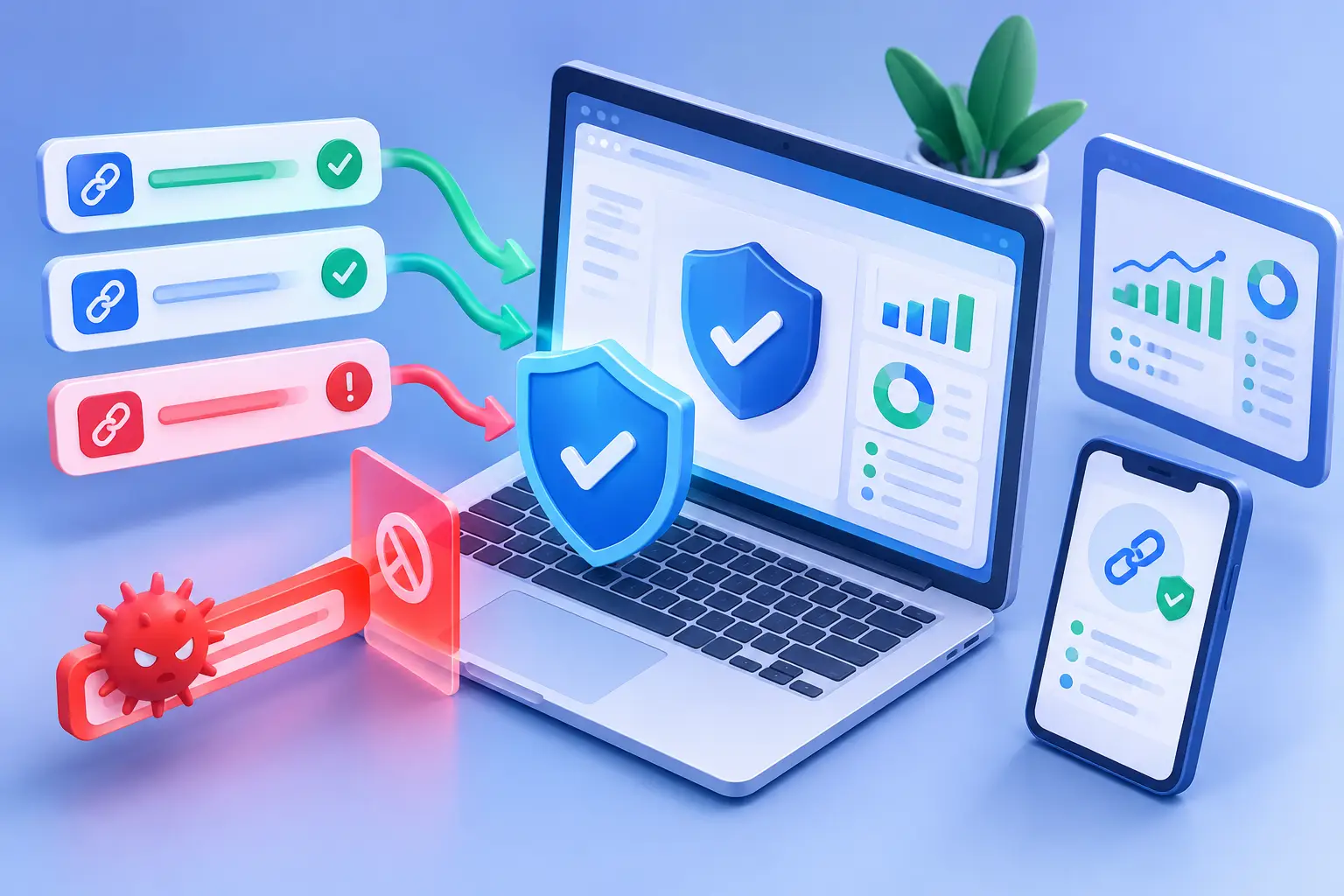
A short link can carry your best campaign, product launch, or creator post across channels in seconds. It can also conceal a phishing page, malware download, or destination that changes after the link is shared. Knowing how prevent malicious short links is not just a security task. It protects audience trust, campaign performance, and the quality of the traffic data your team uses to make decisions.
The challenge is that shortened URLs remove the visual clues people normally use to judge a destination. A familiar domain, readable path, and clear context get replaced by a compact redirect. For marketers and product teams, the answer is not to stop using short links. It is to build a safer process for creating, checking, sharing, and monitoring them.
Start with the destination, not the short link
A short link is a redirect. Its safety depends first on where it sends people. Before shortening a URL, check the final destination as a user would see it. Confirm the domain is correct, the page uses HTTPS, and the content matches the campaign or workflow you intend to promote.
This sounds obvious, but mistakes happen when teams copy links from chat threads, use a staging URL by accident, or reuse a campaign link with an outdated redirect target. A destination can also be compromised after it was originally approved. The short URL may look clean while the page behind it is not.
Make destination review part of publishing, especially for paid ads, email, SMS, QR codes, affiliate partnerships, and customer support messages. These channels move quickly and often reach people who have no prior context for the link.
Watch for destination changes
Redirect chains deserve extra attention. A link that passes through multiple domains is harder to audit and can create a poor user experience even when it is legitimate. It may also make attribution less reliable.
Keep redirects as short as possible. If a destination must change after launch, document who made the change, why it changed, and which campaigns use that short link. For high-visibility links, require a second review before updating the destination.
Use a branded domain people can recognize
Branded short domains do more than make links look polished. They give your audience a consistent signal that a link comes from your organization. When recipients repeatedly see the same domain in your social posts, newsletters, product messages, and QR codes, they have a better basis for deciding whether to trust it.
That consistency also helps your team spot impersonation. If your official short links always use one or two approved domains, a lookalike domain is easier to flag before it spreads.
A branded domain is not a substitute for safety checks. Bad destinations can still sit behind a branded link, and attackers can register convincing names. But recognizable ownership reduces ambiguity, which is exactly what malicious links rely on.
Set a simple internal rule: only approved short-link domains may be used for public campaigns. Do not let each department adopt a different free shortener or create untracked redirect links. Fragmented link creation makes it difficult to investigate incidents and impossible to maintain consistent reporting.
Scan links at creation and keep monitoring afterward
The most useful protection happens before distribution. A link management platform should evaluate destination risk when a short link is created and block destinations that appear malicious. This gives marketers, creators, and support teams a fast safety checkpoint without forcing them to become threat analysts.
AWSYS adds transparent trust scoring at link creation, helping teams see the risk signal before a link reaches an audience. That matters because safety should be visible in the workflow, not buried in an admin setting that nobody checks.
Still, creation-time scanning is only the first layer. Threats change. A legitimate site can be compromised, a domain can expire and change hands, or a campaign destination can be modified by someone with the wrong level of access. Recheck active links on a schedule that matches their importance. Evergreen links in bios, help centers, QR codes, and automated messages need particular care because they may continue collecting clicks long after the original campaign ends.
Control who can create and edit links
Many harmful links are not created by outsiders. They come from rushed work, compromised credentials, or unclear permissions. Your link process should separate routine creation from high-impact changes.
For example, a social media manager may need to create campaign links, while changes to account-wide routing rules, branded domains, or permanent QR code destinations should be limited to a smaller group. The goal is not to slow everyone down. It is to make consequential actions traceable and intentional.
Use unique accounts rather than shared logins. Shared credentials make it difficult to determine who changed a link and create unnecessary risk when someone leaves a team. Review access when roles change, and remove unused accounts promptly.
For teams using APIs, treat link creation like any other production workflow. Restrict API keys to the permissions they need, rotate credentials on a defined schedule, and log automated changes. If an integration suddenly creates a high volume of unfamiliar links or points traffic to unexpected domains, investigate before distribution scales the problem.
Set rules for campaigns, QR codes, and support messages
Some channels need stricter guardrails because recipients cannot easily inspect the destination. QR codes are a clear example. Once printed on packaging, signage, or event materials, they can be difficult to replace. Test the full journey on mobile devices before printing, then keep the destination under active ownership and monitoring.
SMS and direct messages require the same discipline. People are used to receiving fraudulent texts that create urgency and hide the destination behind a short URL. Give recipients enough context around the link: who is sending it, what they will see after clicking, and why the action is relevant. A legitimate message should not need pressure tactics.
For customer support and sales teams, create approved link collections for common workflows such as password resets, documentation, onboarding, or meeting scheduling. This limits copy-and-paste errors and prevents well-meaning staff from shortening unverified URLs on the fly.
Monitor clicks for warning signs, not vanity metrics
Click analytics can surface security problems as well as marketing opportunities. Sudden traffic spikes, unexpected countries, unfamiliar referrers, unusual device patterns, or a sharp rise in failed conversions may indicate that a link is being shared in the wrong context or targeted by abuse.
Analytics do not prove malicious activity by themselves. A spike could come from a viral post, a press mention, or an automated crawler. The point is to establish a baseline, then investigate meaningful deviations instead of treating every click as good news.
For AI-driven workflows, separate agent traffic from human visits where possible. Bots and AI agents can affect click counts, crawl redirect paths, and interact with content differently than customers do. Clear traffic visibility prevents inflated performance reporting and helps teams identify unusual automated behavior without mislabeling it as audience engagement.
Know what to do when a link is risky
Speed matters once a problem is confirmed. Keep a lightweight response process that everyone involved can follow:
- Pause or disable the affected short link immediately.
- Review its destination, redirect history, recent edits, and traffic pattern.
- Replace the destination only after it has been verified.
- Notify campaign owners so they can update active placements or customer communications.
- Document the incident and adjust the rule or permission gap that allowed it.
The right response depends on the link's reach. A low-traffic internal link may only need a correction. A QR code on physical materials or a link used in an active email campaign may require a replacement plan and clear customer communication. Avoid silently redirecting people to an unrelated page just to preserve clicks. Trust is more valuable than a temporary reporting win.
Build safety into the publishing habit
The best protection is a workflow people will actually use. If security requires ten manual checks for every social post, teams will bypass it under deadline pressure. Put the high-value controls directly where links are created: destination scanning, trust signals, approved domains, role-based access, and clear analytics.
Then make safety part of campaign quality. Before publishing, ask whether the destination is correct, the short domain is recognizable, the tracking parameters are intentional, and the link owner is known. Those checks take minutes, but they prevent the kind of trust damage that can outlast a campaign.
Start shortening safely, keep ownership visible, and let every link earn the click it asks for. #AWSYSCO