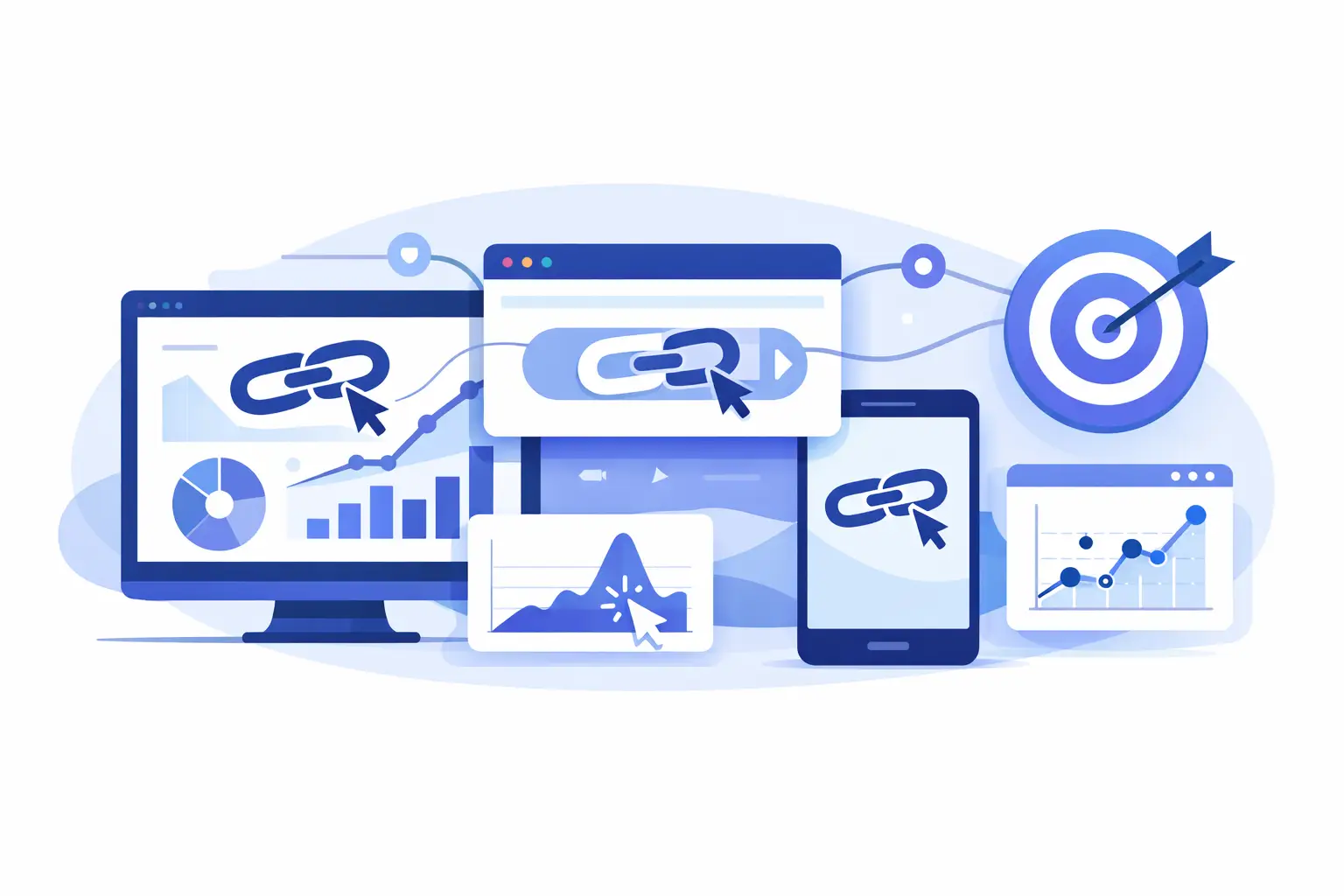
A link gets shared in an email, pasted into a bio, dropped into a paid ad, and added to a QR code. A week later, traffic shows up in your dashboard, but the real question is still unanswered: which click actually mattered?
That is the core problem behind how to track link clicks. Counting total clicks is easy. Measuring where they came from, which device they used, whether the traffic was real, and what happened after the click is where the useful work starts.
How to track link clicks without bad data
The fastest way to ruin link reporting is to treat every click the same. Bots click. Preview tools click. Messaging apps prefetch links. Security scanners test destinations before a human ever sees the page. If you are making budget or content decisions from raw click totals alone, you can end up optimizing for noise.
A reliable setup starts with a trackable short link or redirect layer. Instead of sending people directly to a long destination URL, you create a managed link that records the click before forwarding the visitor. That single step gives you control over measurement, branding, routing, and safety checks in one place.
For most teams, this is the practical baseline. You need a link that can capture timestamp, referrer, country, device type, browser, and campaign context. You also need the ability to separate suspicious or automated traffic from likely human visits. Otherwise, your reports look precise while telling the wrong story.
The three main ways to track link clicks
There is no single method that fits every workflow. The right setup depends on whether you care most about campaign attribution, on-site behavior, or operational automation.
1. Track clicks with a managed short link
This is the cleanest option for marketing, content, social, QR codes, influencer campaigns, and outbound sharing. You create a short link, attach campaign labels if needed, and use that link everywhere the audience will click.
The benefit is visibility before the visitor reaches your site. That matters when the destination is not fully under your control, when links are shared across channels, or when you want one reporting layer across email, SMS, social posts, creator partnerships, printed materials, and app prompts.
This method also gives you flexibility. You can update destinations, route traffic by device or geography, and monitor trust signals without changing the public-facing URL people already have.
2. Track clicks with analytics tags and site analytics
If your main goal is understanding what happens after the click, analytics tags are still useful. Campaign parameters can help classify source, medium, campaign, and content so your site analytics platform can tie sessions and conversions back to a traffic source.
The trade-off is that this only helps once the visitor lands on a page you measure. It does not always capture the full picture across off-site distribution, redirects managed by other platforms, or link sharing that happens outside your web properties.
3. Track clicks through events, APIs, and webhooks
Developers and product teams often need click data to trigger workflows, sync records, or enrich reporting in other systems. In that case, API access and webhooks are the better fit.
You can push click events into a CRM, BI tool, internal dashboard, or automation stack. This is especially useful when links are part of product flows, support operations, affiliate systems, AI-agent actions, or multi-touch attribution models. It takes more setup, but it turns click tracking from a report into infrastructure.
What data actually matters when you track link clicks
A click count by itself is not enough to guide spend or content decisions. Useful link analytics answer a sequence of questions.
First, where did the click come from? Source and referrer data help you compare channels instead of treating all traffic as one bucket. Next, who clicked in a broad sense? Geography, device, operating system, and browser data reveal whether your audience matches the campaign you intended to reach.
Then comes quality. Did the click look human? Was it repeated from the same environment? Did it come from a scanner or preview agent? If your reporting tool cannot distinguish between likely humans and automated activity, performance can look inflated fast.
Finally, you need context. Which campaign, creator, placement, or QR code generated the click? Clean naming conventions matter more than most teams expect. If you call one campaign spring-launch, another Spring Launch, and a third sp_launch, reporting gets messy for no good reason.
A practical setup for accurate click tracking
If you want a setup that works for most teams, keep it simple and consistent.
Start by creating one managed link per channel or placement, not one universal link for everything. If the same destination is used in email, paid social, organic social, and a podcast mention, each one should have its own trackable link. That makes comparison possible.
Next, add campaign structure. Use clear labels for source, audience, creative, and time period. You do not need a complicated taxonomy, but you do need one that your whole team follows.
Then review click quality. Look for signs of inflated activity such as sudden spikes from one region, impossible click-through patterns, or heavy activity with no downstream engagement. This is where safety scanning and trust scoring can save time because they help surface risk before a bad destination or malicious pattern spreads.
Finally, connect click data to outcomes. If clicks never map to signups, purchases, downloads, or replies, you are only measuring curiosity. The best tracking setups tie links to business results, not vanity totals.
How to track link clicks across different channels
Different channels create different measurement problems.
Email clicks are usually straightforward, but link scanners from inbox providers can muddy totals. Social clicks can lose referrer data depending on the app and browser behavior. QR code clicks often need location and device data because the physical placement matters as much as the digital destination. Paid traffic needs strict naming discipline so campaign comparisons stay clean. Creator and partnership traffic needs separate links per partner, even when they point to the same page.
This is why many teams outgrow basic shorteners. Once links are spread across campaigns, devices, and formats, you need analytics that can handle routing logic, branded domains, and traffic filtering without adding extra work.
Common mistakes that make click reports useless
The biggest mistake is using one link everywhere. It feels efficient, but it destroys attribution. If five channels share one URL, you lose the ability to compare performance with confidence.
The second mistake is trusting raw clicks too much. A high click number can look great in a screenshot and still be low-value traffic. Preview bots, scanners, and duplicate clicks can distort performance, especially in email, messaging apps, and high-profile campaigns.
A third mistake is ignoring branded links. Generic short URLs may still work, but branded links can improve trust and click confidence, especially when users are deciding in a split second whether a URL looks safe enough to open.
The last mistake is treating tracking as a reporting task instead of a control layer. Good link management does more than count clicks. It lets you update destinations, organize campaigns, reduce risk, and route traffic intelligently.
When basic tools are enough - and when they are not
If you only need a rough count for a few social posts each month, basic tools may be enough. There is no reason to overbuild a tracking stack for simple use cases.
But if links are tied to revenue, partnerships, paid campaigns, product onboarding, or distributed teams, basic tools become expensive in a different way. You spend more time cleaning data, guessing attribution, and patching workflows than the tool saves you.
That is where a platform built for shortening, tracking, customizing, securing, and scaling starts to pay off. For teams that want premium-grade analytics without paying for bloat, AWSYS fits that gap well because it combines branded links, click intelligence, safety checks, and advanced routing in one system.
How to track link clicks and turn them into decisions
The end goal is not a prettier dashboard. It is faster, better decisions.
If one channel gets fewer clicks but stronger conversion quality, shift attention there. If mobile users click heavily but bounce on the destination page, fix the mobile experience. If a QR campaign performs well in one region and not another, adjust placement. If suspicious traffic keeps hitting a campaign link, tighten controls before that noise affects reporting.
That is the real value in learning how to track link clicks. You stop asking whether a link got attention and start seeing whether it earned action. Once your tracking is clean, every click becomes more than a number - it becomes a signal you can use.