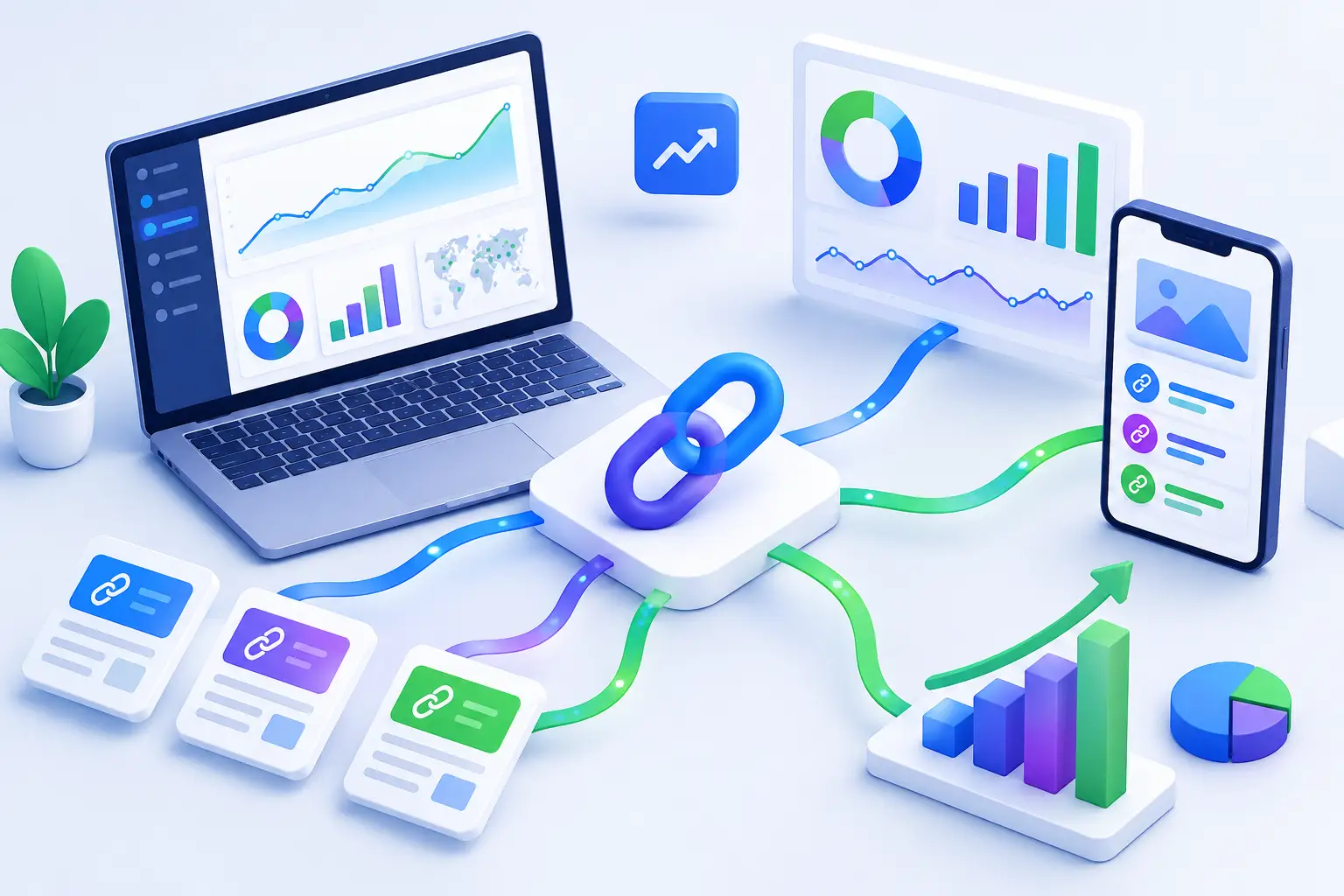
A campaign can generate thousands of clicks and still leave you guessing. Did the audience come from the creator post, the paid ad, the newsletter, or a copied link shared somewhere else? Link analytics replaces that guesswork with evidence, turning each URL into a measurable distribution point.
For marketers, creators, startup teams, and developers, the goal is not simply to count clicks. The goal is to understand what caused them, whether they came from the intended audience, and what action should happen next. A short link is useful. A short link with reliable performance data is a growth tool.
What Link Analytics Actually Measures
Link analytics tracks activity after someone selects a link. At a basic level, that means clicks. But click volume alone is a weak signal. A link that receives 10,000 low-quality clicks from the wrong region or an unexpected referral source may be less valuable than one that receives 500 clicks from qualified prospects.
Useful analytics adds context to every interaction. Depending on the link platform and your settings, that context can include referral source, country or city, device type, browser, operating system, language, and the time of each click. Campaign tags and individual link labels provide another layer, helping teams connect link activity to specific channels, partners, products, or content assets.
The result is a clearer answer to a question every growth team faces: where is attention coming from, and is that attention worth more investment?
Clicks are a starting point, not the finish line
Total clicks are helpful when comparing reach across channels. They can reveal a spike after a product announcement, a creator mention, or an email send. They are also easy to misread.
A sudden jump may reflect genuine demand, automated traffic, a link being reposted by an unrelated account, or even a bad actor probing a destination. This is why the strongest reporting does not treat every click as identical. Look at the pattern around the number. Check the referring source, geography, device mix, and timing before declaring a campaign successful.
For example, if a U.S.-focused B2B campaign suddenly receives a large volume of mobile clicks from locations outside its target market, the issue may not be the campaign creative. It could be an irrelevant repost or suspicious traffic. Analytics gives your team a chance to investigate before bad data influences the next budget decision.
The Metrics That Help You Make Better Decisions
The best metric depends on what the link is supposed to do. A creator sharing a video, a product team distributing an app install page, and a developer routing users to documentation will not evaluate performance the same way.
Still, a few metrics consistently produce useful decisions.
Referral source shows where clicks originated. This is one of the fastest ways to separate channels that look good from channels that actually drive traffic. If you share the same destination across social posts, emails, ads, QR codes, and partner placements, use separate short links for each distribution source. One generic link makes attribution harder than it needs to be.
Geographic data helps determine whether a campaign reached the market you intended. A local event promotion should not be judged the same way as a global product update. Geography can also guide scheduling. If high-intent traffic consistently arrives during a certain window, adjust publishing and support coverage around that behavior.
Device, browser, and operating system data reveals friction that a top-line click count cannot. If most users arrive on mobile but the destination page is built around a desktop workflow, the next improvement is obvious. If a specific browser produces unusual drop-off after clicking, test the destination experience there.
Click timing helps you understand momentum. A campaign that drives steady clicks for two weeks behaves differently from one that peaks for an hour and disappears. Both can be valuable, but they require different follow-up. Sustained traffic may justify expanding distribution. A short burst may indicate that your strongest opportunity is to improve the landing page while attention is highest.
Unique traffic and repeat engagement, where available, add another useful distinction. Repeat visits can signal consideration, research, or a returning audience. They can also signal a link being opened repeatedly by the same systems or users. Context remains essential.
Build Links for Attribution Before You Publish
Analytics becomes far more useful when the link strategy is organized before a campaign goes live. Retrofitting labels after distribution is difficult, especially once a URL has been copied into posts, messages, or printed materials.
Start with a simple naming convention. Include the campaign name, channel, audience, and date or version. A link named `spring-launch-email-prospects` is easier to find and compare than a collection of randomly generated aliases. The exact structure matters less than consistency across the team.
Use one destination with multiple trackable links when you need to compare distribution sources. Instead of sending every visitor through one URL, create separate branded links for the newsletter, paid social, creator partnerships, community posts, and QR codes. This approach does create more links to manage, but it produces cleaner attribution and makes underperforming channels easier to stop.
Custom domains also matter. A recognizable domain gives the link a more intentional appearance and helps audiences understand who is behind it. That trust can affect click behavior, particularly when people are asked to open a link in a fast-moving feed, chat thread, or unfamiliar QR code environment.
Turn Click Data Into Campaign Changes
The biggest mistake in link reporting is treating analytics as a monthly archive. Data should change what you publish, route, test, or pause.
If a source drives a high volume of clicks but weak downstream results, inspect the message match. The link may be attracting curiosity without setting the right expectation. Tighten the copy around the call to action, adjust the audience targeting, or send that segment to a more relevant destination.
If a smaller referral source consistently delivers engaged traffic, give it more attention. That could mean producing channel-specific creative, building a partner relationship, or creating a dedicated landing page for that audience. Growth rarely comes from treating every channel equally. It comes from identifying where relevance is strongest and responding quickly.
Traffic routing can make this response more precise. A mobile visitor may need a mobile-first destination. Users in different markets may need localized pages. A campaign link can route traffic based on rules, but only when those rules are informed by real behavior rather than assumptions.
Developers can take this further through API access and webhooks. When link events feed into internal dashboards, CRM workflows, or campaign automation, teams can react faster. For example, an unusual traffic surge can trigger review, while a high-performing partner link can notify the marketing team to increase support for that placement.
Protect Data Quality and Audience Trust
A link can perform well on paper while damaging trust in practice. If users hesitate to click because a URL looks suspicious, your distribution loses momentum before the destination has a chance to convert. If a malicious destination is accidentally shared, the cost is larger than a bad campaign report.
That is why link analytics and link safety belong in the same workflow. Check destination quality at creation, monitor unexpected patterns after publishing, and keep clear ownership over who can create, edit, and route links. Safety checks reduce risk, while transparent trust signals give teams more confidence in what they distribute.
Be careful with over-interpretation, too. Analytics can show behavior, but it cannot always explain intent. A city-level traffic increase may be caused by a relevant local audience, a repost, or automated systems. Treat surprising patterns as prompts for investigation, not automatic proof that a strategy worked or failed.
This matters even more as automated tools interact with public URLs. AI agents, crawlers, previews, and bots can create activity that looks like audience interest unless your reporting distinguishes those patterns. Agent-focused traffic visibility helps teams understand how links are being accessed beyond conventional browsers, protecting both attribution and decision quality.
Make Link Analytics a Weekly Operating Habit
Strong teams do not need a complicated reporting ritual. They need a recurring decision loop. Review newly launched links, identify the sources with meaningful traction, check for unexpected traffic patterns, and decide what to change while the campaign is still active.
Keep the review tied to actions: increase distribution, revise the message, change the destination, test a route, pause a source, or investigate suspicious activity. If no action follows the report, the report is probably collecting more detail than the team can use.
AWSYS gives teams one place to shorten, organize, track, route, and safety-check links without treating premium analytics as an enterprise-only feature. That makes it easier to build measurement into everyday publishing instead of saving it for major launches.
The next link you share should answer more than “how many people clicked?” Build it so it can tell you what to do next. #AWSYSCO