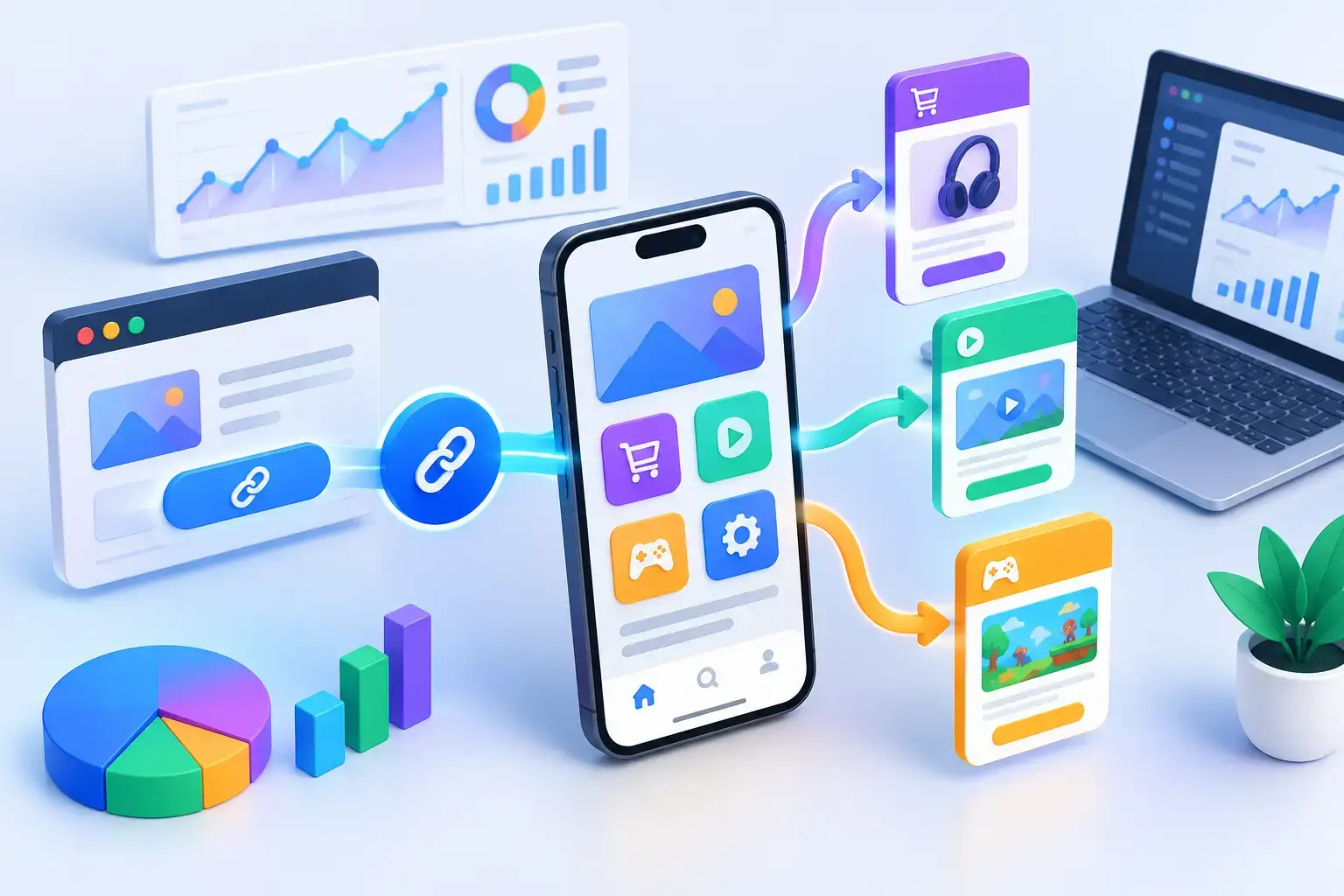
A mobile click is a high-intent moment with a short shelf life. Someone taps a product link in an Instagram bio, an email, a QR code, or a creator post because they expect to land on the exact thing they were promised. This mobile deep linking guide explains how to meet that expectation, preserve attribution, and stop sending valuable traffic to a generic homepage.
What mobile deep linking actually does
A deep link sends a person into a specific location inside a mobile app rather than simply opening the app. For an ecommerce brand, that could be a product page with the selected color already chosen. For a SaaS company, it may be a campaign dashboard, an invitation screen, or a prefilled signup flow. For a creator, it could route directly to a collection, offer, or piece of gated content.
The distinction matters because opening an app is not the same as completing a task. If a customer taps an ad for a specific product and lands on an app home screen, they must search again, remember why they clicked, and make another decision. Every extra step creates drop-off.
A useful deep link should account for three possible destinations. If the app is installed, it opens the intended in-app screen. If the app is not installed, it routes to the relevant app store or a mobile web page. If the user is on desktop, it should send them to a useful desktop experience instead of a broken mobile path.
That routing logic is why deep links are more than URLs with app behavior attached. They are campaign infrastructure. They connect the message, the channel, the device, and the next action.
Why a mobile deep linking guide matters for growth
Most teams already track clicks. The gap appears after the click, especially when links move between social platforms, email clients, browsers, messaging apps, and native apps. Each environment can handle URLs differently. Some use in-app browsers, some strip parameters, and some create handoffs that make attribution harder than it should be.
Deep linking gives marketers and product teams a way to control the experience instead of hoping every platform behaves the same way. It also creates better answers to practical questions: Which creator drove app installs? Which QR placement led to purchases? Did a campaign generate new users or bring existing users back into the app?
The right implementation depends on your goal. A lifecycle team trying to reactivate existing users needs a different path than an acquisition team promoting first installs. A developer tool may prioritize workspace invitations, while a retailer may prioritize inventory-aware product pages. The link should reflect the job the user came to do.
Build links around intent, not destinations
Before creating a deep link, define the action that marks success. Avoid starting with, “What page should this open?” Start with, “What should the user be able to do within the next minute?” That question produces cleaner routes and better reporting.
For example, a campaign promoting a new feature should not point every user to the app dashboard. It should point eligible users to the feature, new users to an explanation or signup path, and unsupported devices to a useful fallback page. The destination changes, but the campaign intent stays consistent.
Map the three key user states
Every mobile link should be designed for installed users, uninstalled users, and users who cannot open the app path. Installed users need a direct handoff into the relevant screen. Uninstalled users need an install route that retains campaign context when possible. Everyone else needs a mobile web or desktop fallback that still makes the offer understandable and actionable.
This is where deferred deep linking becomes valuable. A deferred deep link carries the intended destination through the install process so a new user can reach the relevant screen after downloading the app. Without it, an ad may win the install but lose the momentum that created it.
Do not assume deferred deep linking is necessary for every campaign. It adds value when the post-install experience is central to conversion, such as an invitation, a referral, a limited-time offer, or a product-specific promotion. For broad awareness campaigns, a simpler install flow may be enough.
Keep the path specific, but durable
A deep link should be specific enough to continue the conversation and stable enough to survive product changes. Linking to a product ID, content ID, or campaign route is generally safer than relying on a temporary interface label. If a page name changes, your link logic should still resolve to a valid experience.
Use clear naming conventions for every link. Include the campaign, channel, audience, and purpose in your internal records. A label such as `spring_creator_reel_product_launch` is easier to audit than `new-link-final-2`. This becomes essential when a team is running dozens of paid, organic, partner, and lifecycle campaigns at once.
Set up deep linking without creating a reporting mess
The technical setup varies by platform, but the operating model should stay consistent. Your app needs supported routes, your web fallback needs a valid destination, and your link management layer needs rules for device and traffic conditions. Test the whole journey, not just whether the app opens.
A practical workflow looks like this:
- Define the primary conversion and the exact in-app destination.
- Configure installed-app, app-store, mobile-web, and desktop fallback behavior.
- Add campaign parameters that match your existing analytics taxonomy.
- Create a branded short link that is readable, trackable, and easy to distribute.
- Test on iOS and Android, across major browsers, in-app browsers, and desktop.
- Publish only after confirming the destination, attribution, and fallback experience.
Branded short links are especially useful because they separate campaign management from the long underlying URL. You can organize links by channel, update routing rules when a promotion changes, and give users a destination that looks intentional rather than suspicious. That last point affects click-through rate more than teams often realize.
Use a platform that exposes the data you need without turning link reporting into a separate project. AWSYS can help teams create branded links, apply traffic routing, scan destinations for risk, and analyze clicks by source, device, geography, and campaign. The goal is not to collect more dashboards. It is to see enough context to make the next campaign better.
Measure the full path, not just the tap
Click volume is a starting metric, not a success metric. A deep link can generate a strong click-through rate and still fail if users reach the wrong screen, encounter an install dead end, or abandon before the intended action.
Review performance in stages. First, measure clicks by source and device. Next, compare successful app opens, web fallbacks, and store redirects. Then connect those events to the conversion that matters, whether that is account creation, purchase, content consumption, trial activation, or invite acceptance.
Look for patterns rather than treating every number as a verdict. A channel with fewer clicks may create more high-value app sessions. A QR code may perform exceptionally at an event but poorly in a printed ad. Android and iOS results can differ because of browser behavior, installed-app share, or operating system settings. Good routing decisions come from those details.
When possible, separate existing users from new users. Existing users usually benefit most from direct app routing. New users need an install path that clearly explains the value waiting on the other side. Combining both groups into one report can hide a broken acquisition flow behind strong re-engagement numbers.
Protect trust at the moment of the click
Deep links frequently appear in the places where trust is fragile: social posts, text messages, QR codes, affiliate content, and paid ads. A branded domain helps establish recognition, but destination safety still matters. One compromised campaign link can damage a brand faster than a weak click-through rate.
Build a simple review habit before distribution. Confirm that the final destination is live, the fallback is relevant, parameters are correct, and the link has passed destination checks. Teams sending links at scale should also watch for unexpected traffic patterns, unfamiliar referrers, and sudden changes in device mix. Those signals may reveal a placement problem, bot traffic, or a link shared outside its intended context.
Keep your links short, your routes intentional, and your measurement tied to a real business action. The best deep link does not make the technology visible. It makes the next step feel obvious. #AWSYSCO