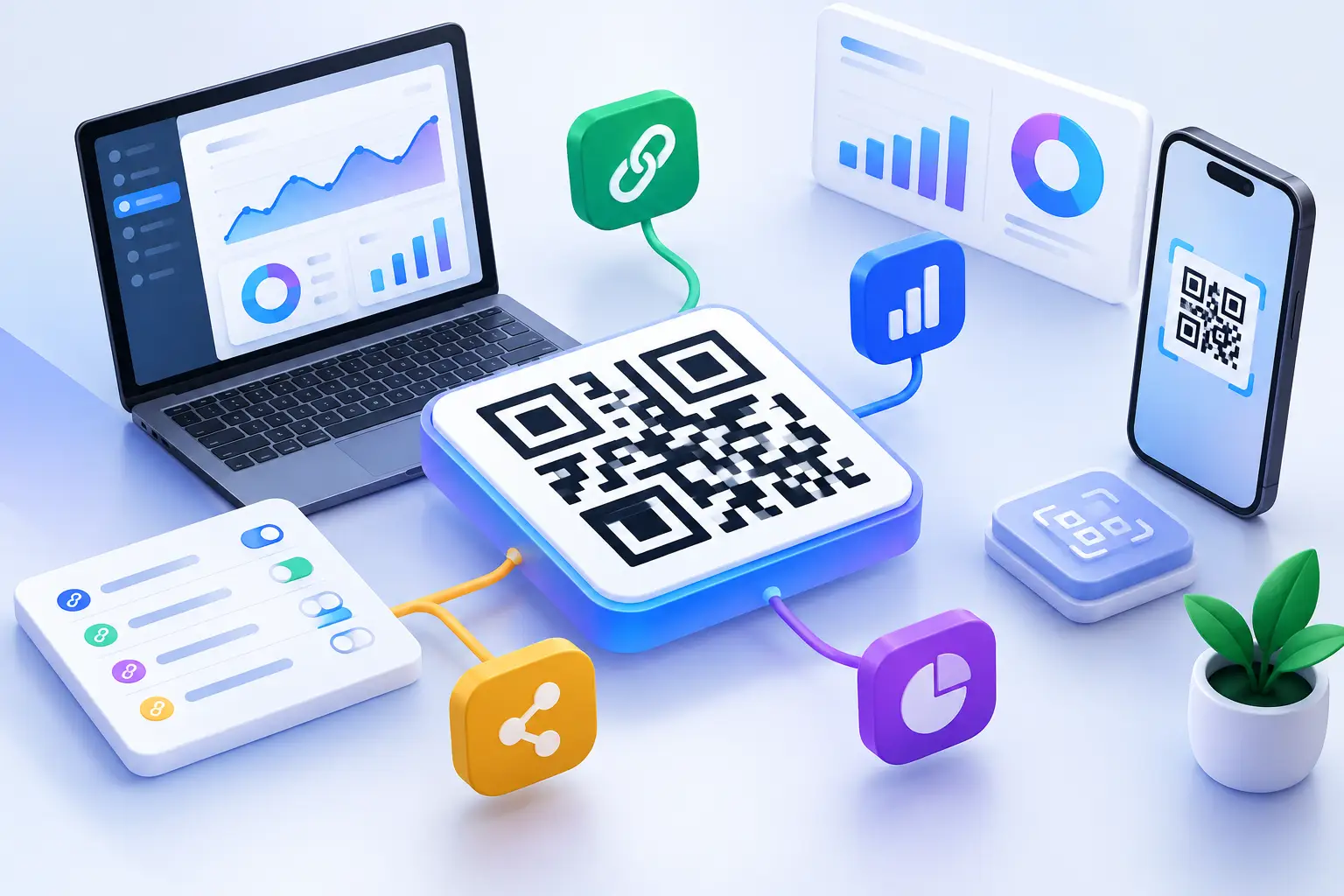
A QR code on a product label, event sign, ad, or creator bio has one job: move someone from the physical moment to the right digital action. A useful QR generator review should therefore go beyond whether a tool can produce a square image. Almost every generator can. The real question is whether it gives your team control, measurement, and protection after that code is in the wild.
For marketers, creators, developers, and startup teams, a QR code is a distribution point. Once printed or shared, replacing it can be expensive, slow, or impossible. That changes how you should evaluate a generator. You are not selecting a design utility. You are selecting the infrastructure behind a campaign link.
What a QR Generator Review Should Test
The best evaluation starts with the destination. A QR code encodes information, usually a URL, but the scanner experience depends on what happens after the scan. Can you update the destination? Can you see where scans came from? Can you prevent a code from directing people to an unsafe page? Can you use the same system to organize the links your team shares everywhere else?
These answers separate a free image maker from a platform that can support real growth work. A polished code that sends people to the wrong page after a campaign changes is not a marketing asset. It is a permanent mistake with a logo in the middle.
Static codes have a narrow place
A static QR code contains the final destination directly in its pattern. It can work for a document, a one-time personal share, or a destination you know will never change. The trade-off is finality. If the page moves, the campaign needs a new URL, or tracking requirements change, the printed code cannot adapt.
Static codes also offer limited campaign intelligence because the destination is not routed through a managed link. You may see activity on the landing page, but it is harder to isolate scans by individual code, placement, or creative version.
Dynamic codes protect the work around the code
A dynamic QR code routes through a managed short link. The visible code stays the same while the destination behind it can be changed later. That matters when a restaurant updates a menu, an event shifts its registration page, a retail campaign rotates offers, or a creator replaces an outdated resource.
Dynamic routing also makes attribution more useful. Instead of guessing whether traffic came from a poster, package insert, storefront display, or webinar slide, teams can create separate codes for each placement and compare scan behavior. The code becomes a measurable campaign unit, not a decorative shortcut.
For most business use cases, dynamic capability should be the default requirement. The exception is a truly permanent destination where no reporting, edits, or campaign controls are needed.
Scan Analytics Must Lead to Decisions
Raw scan totals look good in a dashboard, but they rarely answer the question a growth team actually has: what should we change next? A strong QR platform should show the context behind the scan, including time, geography, device type, referrer or source signals where available, and the individual link or code that generated the activity.
That context helps teams spot patterns. A code on a trade show badge may produce heavy scan volume but weak follow-through, suggesting the landing page is too generic. A code on product packaging may be scanned mostly on mobile during evening hours, suggesting when to schedule follow-up messages. A creator can compare codes across platforms without relying on vague assumptions about audience intent.
Look for analytics that can be filtered by campaign and exported or connected to the rest of your workflow. A dashboard is useful for quick checks. It becomes far more valuable when the data can inform reporting, automation, and attribution across channels.
There is a limit to what QR analytics can prove. A scan does not automatically equal a conversion, and privacy controls or device behavior can limit detail. Good reporting makes those boundaries clear while still giving you enough signal to improve distribution and destinations.
Branding Helps, but Scan Reliability Comes First
Custom colors, logos, frames, and calls to action can make a code feel like part of the campaign rather than an afterthought. That matters on packaging, presentations, storefront signage, and social assets. A recognizable design can also help users understand that the code belongs to your brand.
But visual customization has a technical cost. Overdesign can reduce contrast, obscure the code pattern, or make scanning less dependable in bad lighting, at small sizes, or on lower-quality print materials. A QR code that matches a brand palette but fails on a flyer is not branded well. It is broken.
A capable generator should make design practical rather than merely flashy. Test every customized version on multiple phones before publishing. Print a sample at the actual size, view it from the distance your audience will stand, and test it under realistic conditions. Small codes need more restraint than large display graphics.
Custom domains matter here, too. When users scan a code and see a branded short link or familiar destination, the experience carries more trust than an unfamiliar redirect domain. Branding should support clarity, not hide where someone is going.
Security Is Part of the Scan Experience
People have become more cautious about scanning unknown codes, and for good reason. A QR code can send a user anywhere. Businesses distributing codes need controls that reduce the chance of sharing a malicious, compromised, or accidentally incorrect destination.
A serious QR generator should evaluate destination safety at link creation and block known malicious targets before distribution. Transparent trust signals are especially useful for teams managing many campaigns or accepting links from multiple contributors. They give operators a chance to catch a problem before a code reaches a customer, partner, or public display.
Security also includes everyday governance. Teams should be able to organize codes by campaign, manage access, review destination changes, and avoid losing critical assets inside a personal account. The exact setup depends on team size, but the principle is simple: a code tied to a public campaign should not depend on one person remembering where they made it.
The Workflow Test Most Reviews Miss
Many QR tools look capable in a five-minute trial. The difference appears after you create fifty codes, run three campaigns, change two destinations, and need to explain performance to a client or leadership team.
Before choosing a platform, run a small workflow test. Create codes for distinct placements, apply your visual standards, assign meaningful names, and point them to managed destinations. Then check whether you can find each code quickly, edit it without confusion, separate reporting by campaign, and share the data with the people who need it.
For technical teams, evaluate how QR creation fits existing systems. API access, webhooks, browser tools, mobile access, and bulk workflows can remove repetitive work when codes are created at scale. If you use AI agents in research, support, or content workflows, visibility into agent-driven link traffic is becoming a useful distinction as well. Human clicks and automated visits do not always mean the same thing.
This is where an all-in-one link management platform has an advantage over a standalone QR image tool. AWSYS combines dynamic QR generation with branded short links, analytics, traffic controls, destination safety checks, and AgentLink tracking, so the code is managed as part of the full distribution workflow rather than as an isolated file.
A Practical QR Generator Review Checklist
Use these questions when comparing options:
- Can the destination be edited after the QR code is published?
- Does reporting identify scans by code, campaign, device, location, and time?
- Can you use branded domains and customize codes without compromising scan reliability?
- Are destination safety checks and trust signals available before sharing?
- Can your team organize codes, control access, and connect the tool to existing workflows?
Do not treat every requirement as equally important. A solo creator may prioritize editable destinations and clear analytics. A developer may care most about API access and automation. A retail brand with printed collateral should put reliability, security, and campaign organization at the top of the list. The right choice is the one that removes the risk and manual work specific to your distribution model.
The best QR code is rarely the most colorful one. It is the one your audience can scan instantly, your team can update confidently, and your reporting can turn into a better next campaign. Start shortening safely, test before printing, and make every scan accountable. #AWSYSCO