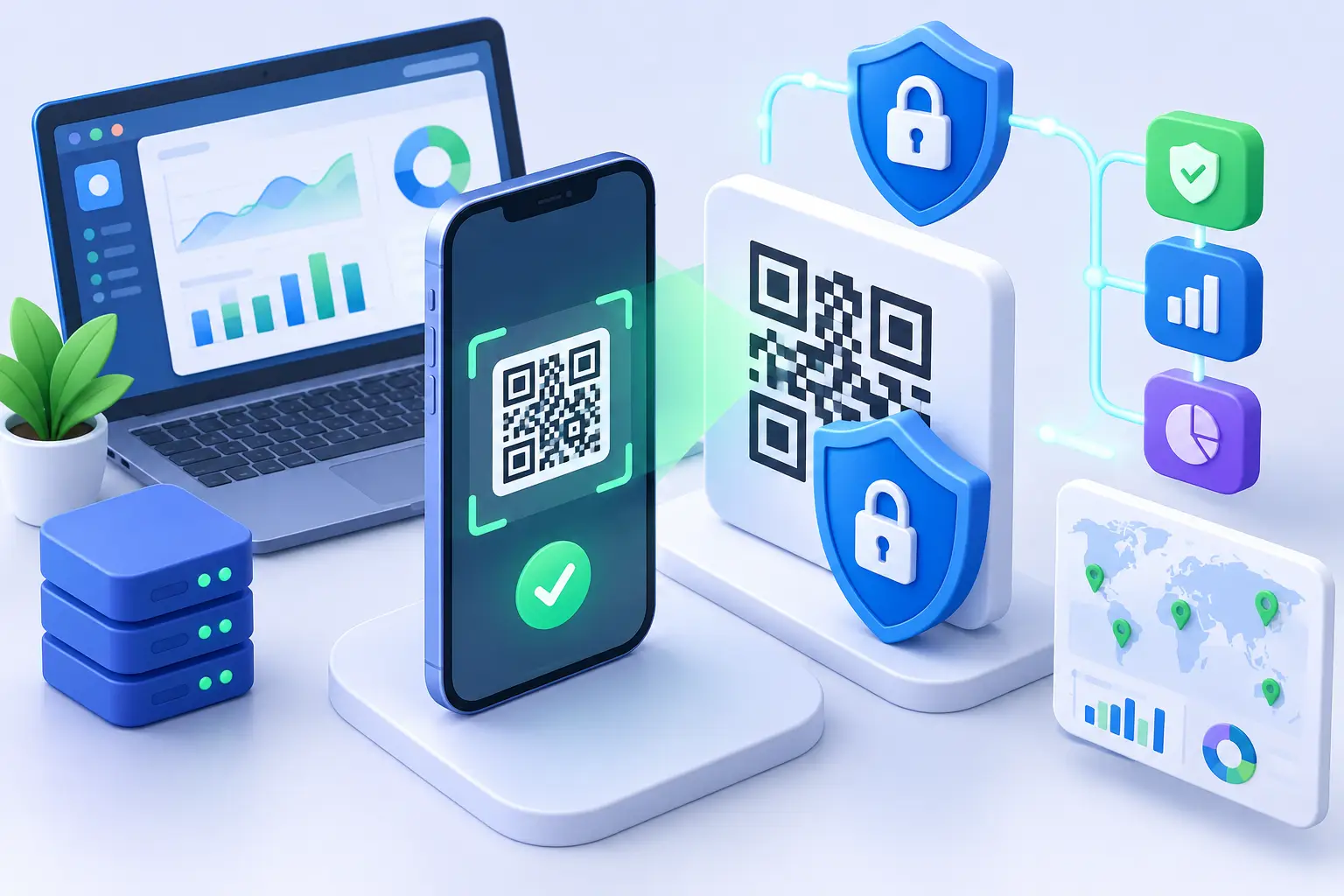
A QR code can move someone from a poster, package, presentation, or social post to your campaign in seconds. That convenience is exactly why QR security matters. A scan has no visible destination until after the action happens, giving bad actors room to impersonate brands, swap codes, and send people to harmful pages.
For marketers, creators, developers, and growing teams, the risk is bigger than one bad click. A compromised QR code can waste campaign spend, corrupt attribution, damage customer trust, and make people hesitant to scan your legitimate codes next time. The answer is not to stop using QR codes. It is to treat each code as a managed entry point to your brand.
Why QR codes create a unique trust problem
A standard link gives people clues before they click. They may see a recognizable domain, a descriptive URL path, or browser warnings. A QR code removes most of those signals. On a printed sign or a product label, users usually see only a black-and-white pattern and a call to action.
That information gap makes QR codes a favorite tool for quishing, a phishing tactic that relies on QR codes. A criminal can place a sticker over a legitimate restaurant menu code, parking meter code, or event check-in code. They can also send a QR code by email or message and present it as an account verification step, delivery update, or discount.
The issue is not that QR technology is inherently unsafe. The issue is that QR codes are easy to reproduce and difficult for people to inspect at a glance. Your security process needs to restore the context a scanner cannot see.
The threats behind an unprotected scan
The most obvious risk is a malicious destination. A code may lead to a fake login page designed to capture passwords, a payment page controlled by an attacker, malware, or a page that pressures visitors into installing an app. But campaign teams should also watch for quieter forms of abuse.
A code can be copied and placed in unauthorized materials, creating attribution noise that looks like legitimate traffic. A third party can redirect the destination after a campaign launches if the underlying link account is poorly secured. A lookalike short domain can make a fraudulent code appear connected to your company. Even a harmless but outdated destination can create a trust issue when customers scan a code and reach an error page.
Physical placement changes the risk level. A QR code on a private slide deck has different exposure than a code on a transit ad, storefront window, conference badge, or product package. Public codes should be designed with the expectation that someone may copy, cover, or imitate them.
Build QR security into link creation
The safest QR workflow starts before design and distribution. Generate every campaign code from a link management platform you control, using a domain your audience can recognize. Branded domains help visitors identify the business behind the scan after the redirect begins, while also giving your team a single place to update and review destinations.
Avoid creating QR codes directly from long, unmanaged URLs. That approach may work for a one-time personal share, but it leaves teams with fewer controls when a page moves, a campaign changes, or suspicious traffic appears. A managed short link gives you a layer between the printed code and the final destination.
At creation time, inspect the destination as carefully as you would inspect a paid ad landing page. Confirm the page uses the expected domain, has an active certificate, and does not pass visitors through unnecessary redirects. Redirect chains are not automatically dangerous, but each additional hop adds latency, complicates troubleshooting, and creates another point that needs monitoring.
AWSYS supports trust scoring and malicious-destination blocking at the moment a link is created, helping teams catch risk before a QR code reaches a brochure, screen, or customer email. That is a practical advantage because printed assets are expensive to replace once they are in the wild.
Use a distinct code for each placement
One destination does not require one universal QR code. Create separate managed links for materially different placements, such as packaging, event signage, direct mail, retail displays, and social graphics. The visitor may reach the same landing page, but the data should tell you where the scan started.
This approach improves security as well as reporting. If scans from one placement suddenly spike, come from an unexpected region, or show a strange device pattern, you can isolate the affected code without disrupting the entire campaign. It also makes physical inspections easier: your team knows precisely which code belongs on which asset.
Keep destination changes controlled
Dynamic QR codes are valuable because the destination can be changed without reprinting the visual code. They also demand disciplined access management. Limit editing permissions to the people who need them, remove access when roles change, and use strong, unique credentials for link management accounts.
Before changing a destination, use a simple approval process. Check that the new page is live, branded correctly, and ready for mobile visitors. A rushed redirect update can become a security failure when it sends people to an untested subdomain, an old staging page, or a third-party form with unclear ownership.
Make legitimate codes easier to recognize
Security is partly technical and partly behavioral. Your QR code should make a visitor feel confident about what will happen next. Add a plain-language label such as “Scan to view the event schedule” or “Scan to activate your product.” Vague prompts like “Scan me” create curiosity, not confidence.
Whenever space allows, show the branded destination domain near the code. This gives users something they can compare once their phone opens the link. On high-risk placements, include a fallback URL that people can type manually. That small addition helps customers who do not want to scan and gives your support team a clear reference point when questions arise.
Design choices matter too. Keep enough quiet space around the code so scanners can read it reliably, and test it on several phones before publishing. A stylized code may match a campaign aesthetic, but excessive customization can reduce scan reliability. The trade-off is simple: visual flair is useful only if the code scans quickly and consistently.
Monitor what happens after the scan
QR security does not end when a code is published. Review scan activity throughout the campaign, especially for codes in public locations. The goal is not to treat every traffic spike as fraud. A successful promotion can create unusual patterns. The goal is to identify activity that does not match the placement, audience, or campaign timing.
Look for sudden bursts long after an event ended, heavy traffic from locations unrelated to a local placement, or a large volume of scans with no corresponding engagement on the landing page. These signals may point to copied codes, bot activity, poorly placed assets, or a tracking configuration problem. Analytics gives you a reason to investigate instead of relying on guesswork.
Pair QR reporting with campaign context. If a code appears on a store display, compare scan timing to store hours. If it belongs to a conference booth, compare activity to the event schedule. For developer teams, webhook alerts and API-based reporting can help flag anomalies faster and feed scan data into existing monitoring workflows.
Plan for a compromised or suspicious QR code
Every public campaign needs a response path. If someone reports a suspicious code, first verify whether the code is yours and whether the visible asset has been altered. Review the managed link, destination history, account access, and recent traffic patterns. If the physical code was replaced or covered, the problem may be at the location rather than in your link platform.
For a code you control, pause or redirect the managed link when needed, then replace the destination only after it has been reviewed. If the printed asset has been tampered with, document the placement, notify the venue or operations owner, and replace the material. Keep a record of code IDs, placements, owners, and launch dates so the team can act without searching through old design files.
The fastest response comes from preparation. A clear inventory and controlled dynamic links give you options that a static, untracked QR code cannot.
A safer scan is a better conversion path
QR codes work because they remove friction between attention and action. Good QR security protects that advantage without turning every campaign into a complicated security project. Create codes through a controlled platform, use recognizable branding, separate placements, review destinations, and pay attention to real scan behavior.
When people know where a scan leads and your team can see what happens after it, QR codes become more than a convenient graphic. They become a measurable, manageable front door to your brand. Start shortening safely, keep every destination accountable, and give customers a reason to trust the next scan. #AWSYSCO