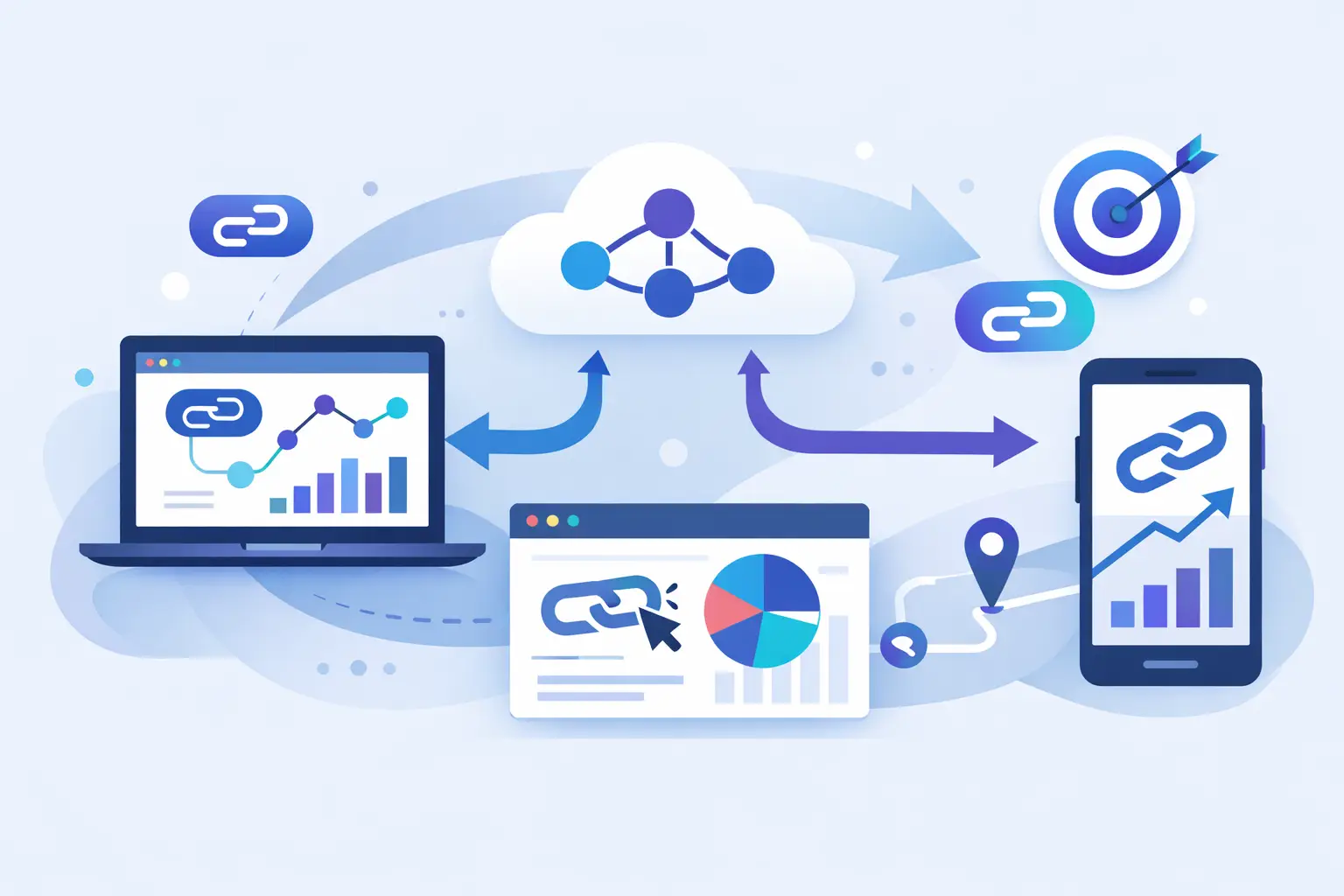
A click shows up in your dashboard five minutes late, and suddenly your automation is useless. The ad budget already shifted, the sales alert never fired, and your CRM record is missing the only signal that mattered. That is exactly where webhooks for link tracking stop being a nice extra and start being operational infrastructure.
If you run campaigns, route traffic, or build product workflows around short links, waiting for batch exports or manual reports creates lag where mistakes pile up. A webhook pushes event data the moment something happens. For link tracking, that usually means your systems can react to clicks, redirects, suspicious activity, or campaign milestones in real time instead of after the fact.
What webhooks for link tracking actually do
At a basic level, a webhook is an HTTP callback. When a defined event happens, your link platform sends a payload to a URL you control. That payload can include details like the short link, timestamp, referrer, device type, country, campaign tag, destination URL, or trust-related metadata depending on the platform.
For marketers, this means click data can move straight into a CRM, ad workflow, analytics warehouse, or messaging tool without anyone exporting CSV files. For developers, it means link events become usable triggers inside a larger system. For startup teams, it means fewer blind spots between acquisition and action.
That speed matters because link tracking is rarely just about counting clicks. It is usually tied to lead routing, budget control, fraud checks, affiliate attribution, customer onboarding, content performance, or support workflows. A report tells you what happened. A webhook lets you do something about it while it is still happening.
Why dashboards alone are not enough
Dashboards are good for analysis. They are not great for response time.
If your team checks traffic manually every few hours, you will catch trends late. If you rely on scheduled exports, you are working with stale data by design. That is fine for monthly reporting. It is weak for time-sensitive decisions like pausing a bad campaign, flagging bot-heavy traffic, notifying sales about high-intent clicks, or routing traffic based on source quality.
This is the practical gap webhooks fill. They move link tracking from passive reporting to active operations.
There is a trade-off, though. Real-time data is more useful, but it also introduces more moving parts. You need an endpoint, some logic for handling payloads, retries in case of failure, and a plan for storing or forwarding events. If your setup is simple, dashboard analytics may be enough. If clicks need to trigger downstream action, webhooks are usually worth the extra setup.
Common use cases for webhooks in link tracking
The strongest use cases are the ones where delay costs you something.
A marketing team might send every click event into a customer data platform to enrich attribution in real time. A creator business might trigger notifications when a branded link in a campaign suddenly spikes in a specific geography. A SaaS product team might use link click events to score user intent before a trial signup even happens. An operations team might route suspicious traffic into a review queue as soon as trust signals dip.
This gets even more useful when link data is combined with context. A click from a QR code in a retail location means something different than a click from an email footer. A mobile visit from a social bio link behaves differently than desktop traffic from a partner page. Webhooks let you preserve and act on that context without waiting for someone to connect the dots later.
For teams working with AI workflows, the value is even more direct. If links are being shared, tested, or followed by automated agents, you want event-level visibility the moment those interactions happen. That is one reason advanced link platforms are moving beyond basic shortening and into event-driven traffic intelligence.
How to set up webhooks for link tracking
The setup is usually straightforward, even if the impact is advanced.
First, decide which events matter. Not every click needs a full automation chain. You may only care about clicks on a certain domain, traffic from a campaign, failed redirects, or links with elevated risk signals. If you trigger too much, your team ends up with noise instead of action.
Next, create an endpoint that can receive POST requests. That endpoint should validate the request, parse the payload, and hand the event to the right system. In a lightweight stack, that may be a serverless function. In a more mature environment, it may feed a message queue or event bus before being processed downstream.
Then map the payload fields to actual business logic. A click event alone is not useful until you decide what it changes. Maybe it updates a lead record, adds a conversion hint, triggers a Slack alert, or writes to your analytics store. Keep that logic narrow at first. Teams often overbuild webhook automation on day one and end up debugging edge cases they did not need to create.
Finally, test failure handling. Webhooks are only as reliable as the systems receiving them. If your endpoint times out or returns an error, you need retries, logging, and idempotency so the same event does not create duplicate actions. This is not glamorous work, but it is the difference between a dependable pipeline and a support headache.
What data matters most in a webhook payload
Not every field has equal value. The best payloads support decision-making, not just record-keeping.
At minimum, most teams want the link ID, destination, event timestamp, click source, and campaign parameters. Device type, OS, browser, and geography become useful when you are optimizing traffic quality or debugging user journeys. Referrer data helps with attribution, though it will never be perfect because browser privacy rules and app environments often reduce what you can see.
Some teams also need trust and safety data attached to the event. If a link platform can score destinations or identify suspicious patterns before distribution, that metadata becomes powerful when pushed into your workflows. It allows you to separate normal engagement from traffic you should not trust. That distinction matters more than raw click totals when fraud, abuse, or low-quality traffic can distort your reporting.
Headaches to avoid with webhooks for link tracking
The most common mistake is treating every click as a conversion signal. A click is a useful event, but it is still an upstream action. If you overreact to it, you will inflate intent and build noisy automations. Webhooks work best when they complement conversion data, not replace it.
Another issue is duplicate processing. Many platforms retry webhook delivery if your endpoint fails or responds slowly. That is good behavior, but only if your system knows how to recognize repeated events. Without idempotency checks, one click can create multiple CRM updates, multiple alerts, or multiple records in your warehouse.
You also need to think about filtering. Bot traffic, link scanners, preview crawlers, and security tools can all generate events that look real at first glance. A high-quality link tracking setup should help you distinguish between human activity and automated noise. Otherwise your automations become fast, but wrong.
Choosing a platform that supports real-time tracking well
If you need webhooks for link tracking, this should not feel bolted on. It should be part of a broader system that handles branded links, analytics depth, routing logic, API access, and safety controls in one place.
The key question is not just whether a platform offers webhooks. It is whether the event data is detailed enough, timely enough, and clean enough to support real decisions. A thin payload with delayed delivery and weak filtering does not save much time. A strong implementation gives you usable context, dependable delivery, and enough control to connect link activity with the rest of your stack.
That is where a platform like AWSYS stands out for teams that want more than a shortener. It pairs link tracking with API access, trust scoring, malicious destination blocking, and analytics built for action instead of vanity metrics. That matters when you want automation without giving up visibility or paying extra for features that should already be standard.
When webhooks are worth it and when they are not
If you only need a weekly view of traffic trends, webhooks may be unnecessary overhead. A dashboard can handle that just fine. But if your links sit inside campaigns, product flows, creator funnels, or lead systems where timing affects outcomes, webhooks are usually the better choice.
The break point is simple. If a click should trigger something, not just be reported later, real-time delivery is the right model.
The smartest teams do not use webhooks because they sound technical. They use them because delayed link data creates waste. When your links are tied to spend, attribution, security, or user action, the faster path is often the cheaper one too. Start with the events that matter most, keep the logic tight, and let your tracking work at the speed your campaigns already demand.
A good link does more than redirect. It should tell your systems what just happened, while there is still time to act on it.