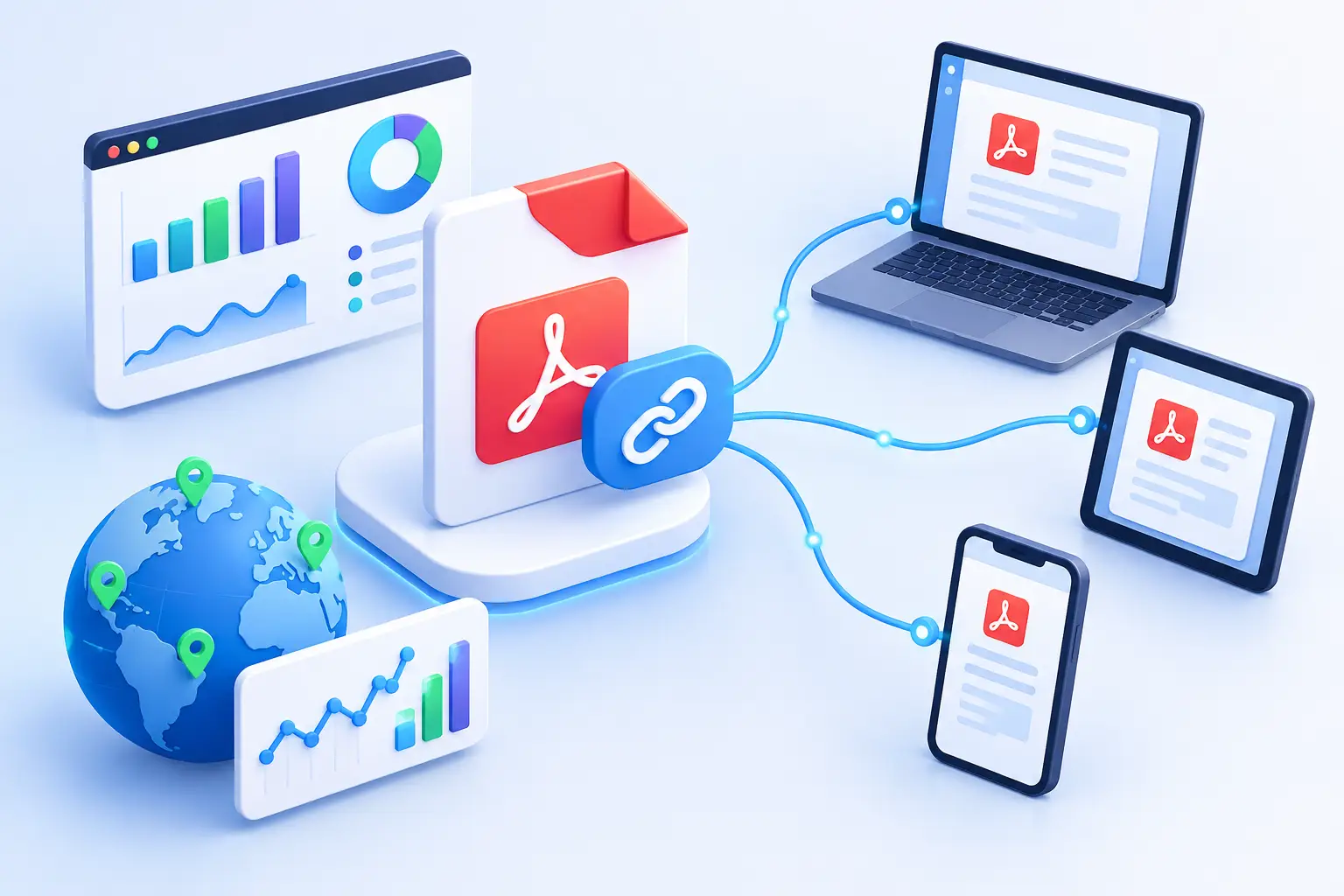
A PDF can be one of your highest-intent marketing assets and one of your biggest attribution blind spots. You send a guide, proposal, menu, media kit, or product sheet into the world, then it gets forwarded, downloaded, and opened far from your campaign dashboard. When you add tracking to PDF links, you can see which distribution channels create attention and which embedded calls to action actually move readers forward.
The key is to track two different journeys. First, track the click that delivers someone to the PDF. Second, track the links inside the PDF that send readers to your site, product, calendar, video, or checkout page. Treating those as separate actions gives you cleaner data and better campaign decisions.
What PDF link tracking can tell you
A tracked PDF URL measures the moment someone clicks to access the file. This is useful when you share the same asset in an email campaign, social post, QR code, paid promotion, or partner placement. Create a distinct short link for each source, even if every link ultimately opens the same PDF. Your analytics can then show which channel drove the click, when activity happened, where visitors were located, and what device they used.
Links embedded inside the PDF answer a different question: what did readers do after opening it? A guide might include a link to request a demo, a case study, a product page, and a support resource. If every destination uses the same untracked URL, you lose the context that tells you which page, section, or call to action earned the click.
You will not usually know how long an individual person read a standard PDF or which exact page they viewed. That level of engagement requires a different publishing or document-viewing setup. Link tracking is still highly valuable because it captures the decisions readers make: opening the asset, following a CTA, and returning later through a shared link.
How to add tracking to PDF links
Start by deciding what outcome each link is meant to measure. For a PDF download link, the outcome may be distribution performance. For an in-document link, it may be demo requests, purchases, article views, or account creation. Do not create tracking simply because you can. Give each link a job.
Create a separate link for every distribution channel
Avoid publishing one generic PDF URL everywhere. Instead, make a short, branded link for email, one for LinkedIn, one for a QR code on printed material, and one for each partner or campaign. Keep the destination consistent when that makes sense, but label the links clearly in your link manager.
For example, a startup distributing a product one-pager could organize links as `onepager-email`, `onepager-event-qr`, and `onepager-partner`. The reader sees a clean, trustworthy branded URL, while your team gets channel-level reporting without guessing where interest came from.
This approach also makes updates easier. If the PDF moves to a new location or you replace an outdated file, you can update the destination behind the short link rather than hunting down every place the original URL appeared.
Add campaign parameters where downstream analytics matter
Short-link analytics tell you that someone clicked. Campaign parameters can preserve attribution after they reach your website, assuming your analytics setup recognizes them. Add consistent source, medium, and campaign values to destinations that lead from the PDF to web pages.
A link from a PDF's final page to a demo form might identify the source as the PDF, the medium as a downloadable asset, and the campaign as the product launch. The exact naming convention matters less than consistency. Decide whether you use lowercase names, how you label partners, and how you distinguish versions before the campaign spreads.
Be selective with parameters on links that open another file or serve a simple resource. They are most useful when the destination is a page where your web analytics can connect the visit to a conversion. For every other case, a managed short link with clear reporting may be enough.
Replace raw URLs inside the document
Long URLs look messy in PDFs, wrap badly on mobile screens, and make readers hesitate before clicking. Replace them with concise, branded links that signal where the reader is going. A visible destination such as `go.yourbrand.com/demo` is more credible than a string of parameters and random characters.
Use the same rule for linked buttons, images, and QR codes. A button labeled “Book a demo” should point to its own tracked link, not merely a copied URL from another page. An image that looks clickable should either be linked or removed. Ambiguous interactions create avoidable friction.
Before exporting, check every link in the source document. Then test the exported PDF itself on desktop and mobile. Some design tools preserve hyperlinks differently, and a polished-looking button can occasionally export without its destination.
Build a naming system before your data gets messy
PDF campaigns tend to multiply. There are revised sales decks, regional flyers, gated guides, event handouts, and partner versions. Without a naming convention, reports quickly become a collection of vague labels that no one trusts.
Use a format that answers four questions: what asset is this, which version is it, where was it shared, and what action does it promote? For example, `guide-q3-email-demo` is far more useful than `new-link-14`.
Keep the public alias short and readable, but use internal titles and tags to carry the detail. Tags such as `event`, `partner`, `organic-social`, `sales`, or `product-launch` make it easier to compare performance across a group of links later. This matters when a campaign is active for weeks and multiple teammates are creating assets.
Read the numbers with the right expectations
A high click count on the PDF link means your distribution message worked. It does not automatically mean the document persuaded people. Compare PDF opens with clicks on the document's next-step links to understand whether readers are progressing.
If a PDF receives strong opens but weak CTA clicks, the problem may be the asset itself: the offer is unclear, the CTA appears too late, the link is hard to notice, or the document is not aligned with the audience that received it. If an embedded link gets many clicks but few conversions, inspect the landing page, form length, and message match after the click.
Device and location trends can also change creative decisions. A document heavily opened on mobile needs larger text, obvious buttons, and short URLs that are easy to tap. Traffic from a partner audience may justify a tailored landing page rather than the same generic destination used in your email list.
Do not overinterpret small samples. A few clicks can be directionally interesting, but they are rarely enough to justify redesigning an entire campaign. Look for patterns across assets, channels, and time periods.
Protect trust when you share tracked PDF links
Tracking should not make a link look suspicious. Branded domains, readable aliases, and destinations that match the promise of the surrounding copy help people click with confidence. Avoid disguising the destination or using a different link for every minor variation when the reader has no reason to expect one.
Safety matters just as much on a PDF as it does in an email. A compromised document or a redirected link can damage the credibility of the campaign and the brand behind it. Use a link platform that checks destinations at creation time and blocks malicious URLs before they are distributed. This is especially important when teams, contractors, or automated workflows create links at scale.
With AWSYS, teams can create branded short links, organize campaign variants, monitor click activity, and apply trust checks before a PDF reaches customers or partners. That turns a static file into a measurable, safer part of your growth system.
The most useful PDF is not the one that simply gets downloaded. It is the one that gives readers a clear next step and gives your team enough signal to make the next version better.