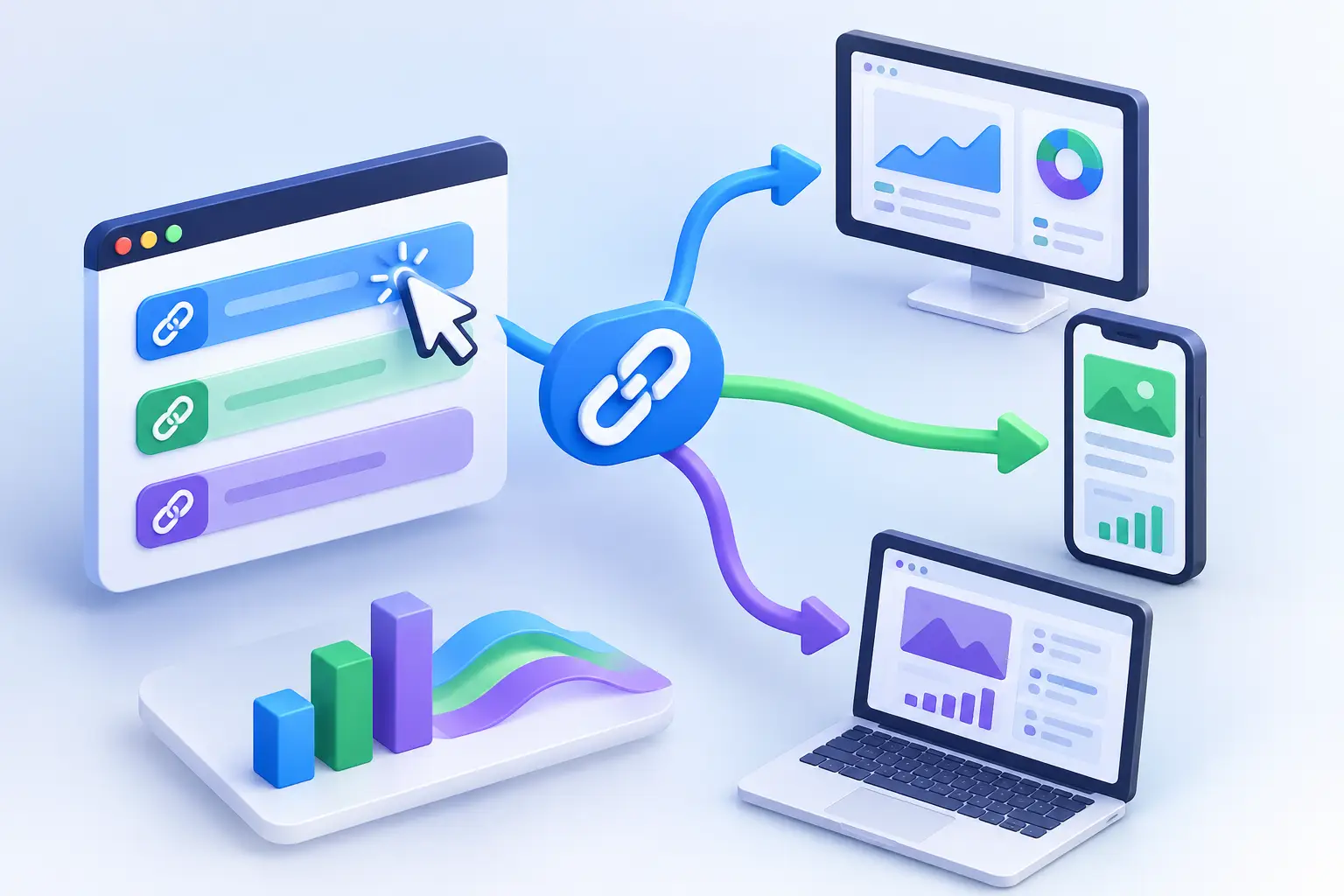
A single campaign link can reach a customer on an iPhone in Chicago, a prospect on a desktop in London, and an AI agent collecting content for an answer engine. Sending every one of those clicks to the same destination is easy. Sending each one to the most useful destination is where link routing earns its place.
So, can links route traffic? Yes. A smart link can evaluate conditions at the moment of the click, then direct the visitor to a destination that matches a rule you set. That may mean a mobile app store instead of a web page, a Spanish landing page instead of an English one, or a campaign page built for a specific region.
For growth teams, this is not a novelty feature. It is a way to keep campaigns cleaner, reduce friction after the click, and preserve a single branded URL while the experience behind it adapts.
What Link Routing Actually Does
Link routing is a set of conditional redirect rules. Rather than permanently assigning one short link to one destination, you assign multiple potential destinations and tell the platform when each one should apply.
The rule is checked in real time. A visitor clicks the branded link, the link management platform reads the available context, and it sends that visitor to the destination that fits the highest-priority matching rule. If no special condition matches, the click goes to a default fallback URL.
That distinction matters. You are not changing the link after you publish it. You are building a controlled decision path behind it.
A basic example is an app promotion. One short link can send iOS visitors to the Apple App Store, Android visitors to Google Play, and desktop visitors to a product page that explains the app. The post, ad, QR code, or email only needs one URL. Your audience still gets the right next step.
When Can Links Route Traffic Better Than a Standard URL?
A standard URL is best when every visitor should see the exact same page. Routing adds value when the ideal destination changes based on who clicked, where they clicked from, or how they arrived.
Device-based routing
Device routing is often the first use case teams adopt. It prevents the familiar mistake of sending a mobile user to a desktop-focused experience or directing an Android user to an iOS-only app listing.
It can also support campaign-specific mobile pages. If your checkout flow, lead form, or product demo performs better on mobile, route mobile traffic to the version designed for smaller screens while keeping desktop users on the full site experience.
The trade-off is maintenance. If you create device-specific pages, each needs current messaging, tracking, and working destinations. Routing cannot fix a weak mobile page. It only makes sure the right visitor reaches it.
Location and language routing
Geographic routing can send clicks from different countries or regions to localized pages. A visitor in the United States may need a US product page, while a visitor in Mexico may need Spanish-language content with locally relevant offers and details.
This approach is useful for international launches, regional event registration, local storefronts, and multilingual content distribution. It also prevents a common conversion leak: making someone hunt for the version of the page that applies to them.
Use location rules thoughtfully. A person traveling abroad may not match their home market, and IP-based location is not perfect. Keep a clear default destination and avoid routing people to a page that blocks the information they came to find.
Time-based routing
Some links need to change behavior on a schedule. A webinar registration link can lead to a sign-up page before the event, a live viewing page during the event, and a recording or recap page afterward. The URL stays the same across social posts, newsletters, slide decks, and QR codes.
Time routing is also useful for limited campaigns, seasonal content, product launches, and temporary landing pages. It reduces manual updates at the exact moment your team is already focused on the campaign.
Set the time zone carefully. A schedule that looks correct in your dashboard can create confusion if your audience is in another region and the campaign starts at a different local time.
Source and campaign routing
A link can also be part of a more deliberate attribution system. For example, a creator campaign might use one branded short link while paid social, email, and QR placements use variations that route to the right destination or attach the right campaign parameters.
The goal is not to create dozens of nearly identical links without a plan. The goal is to preserve meaningful context. When you can identify where traffic came from, which device it used, and what it did after the click, you can make better decisions about creative, channels, and landing pages.
How Routing Rules Work in Practice
The strongest routing setup starts with a simple question: what would make this click more useful for the visitor and more measurable for the business?
Suppose a startup is promoting a new mobile product across social media and printed event materials. It could configure one branded link with three destinations: iOS visitors go to the App Store, Android visitors go to Google Play, and everyone else goes to a responsive product page with a QR code and signup option.
That same team can add analytics tags to distinguish traffic from the event QR code from traffic shared in a social post. The link remains short and recognizable, while the reporting becomes specific enough to act on.
Rule order matters. If a click qualifies for more than one condition, the platform needs a clear priority. Put the most specific rules first, then broader rules, then your default destination. For example, a rule for Spanish-speaking mobile visitors in a target region may belong above a general mobile rule.
Before publishing, test every path yourself. Check iOS and Android behavior, test from desktop, verify the fallback URL, and confirm that your campaign tracking appears where you expect it. A routing link is powerful precisely because it has multiple outcomes. Each outcome needs verification.
Routing Is Also a Trust Decision
Every redirect adds a moment of uncertainty for the person clicking. Branded domains, clear campaign language, and safe destinations help reduce that hesitation. A short link should make distribution easier without making visitors wonder where they will end up.
This is especially relevant for QR codes, messages, and social posts, where people often cannot preview a destination. Teams should avoid sending traffic through unnecessary redirect chains and should monitor destination quality over time. A link that once pointed to a valid campaign page can become outdated after a site update or campaign change.
AWSYS adds practical control here by combining routing with destination safety scanning and transparent trust scoring at link creation. That gives teams a chance to catch risky or questionable destinations before a link is shared at scale, rather than treating security as an afterthought.
Measure the Route, Not Just the Click
A routed link should be evaluated by outcomes, not by the fact that it redirected successfully. Click volume is useful, but it is only the opening signal.
Look at how performance changes across devices, geographies, referrers, and destination paths. If mobile traffic clicks heavily but converts poorly, the issue may be the mobile landing page rather than the campaign. If one region has strong engagement but low completion, localized messaging or payment options may need attention.
For teams experimenting with AI visibility, it is also worth separating human traffic from AI-agent activity where possible. These visits can behave differently and should not automatically be interpreted as conventional buyer intent. Better classification protects the quality of your campaign analysis.
Keep your routing structure organized. Use consistent naming, document the purpose of important links, and retire routes when campaigns end. A link inventory becomes difficult to manage when every experiment is left running forever.
Build for the Visitor First
Routing is most effective when it removes a decision or a barrier for the person who clicked. It should not be used to create a maze of redirects, hide an unrelated destination, or force visitors through pages that do not match their expectations.
Start with one high-impact use case: app-store routing, localized content, or an event link that changes on schedule. Track the result, confirm the visitor experience, and expand only when the data supports it.
The best routed links feel invisible to the visitor. They simply arrive where they needed to go, while your team gets clearer attribution, stronger control, and fewer wasted clicks.