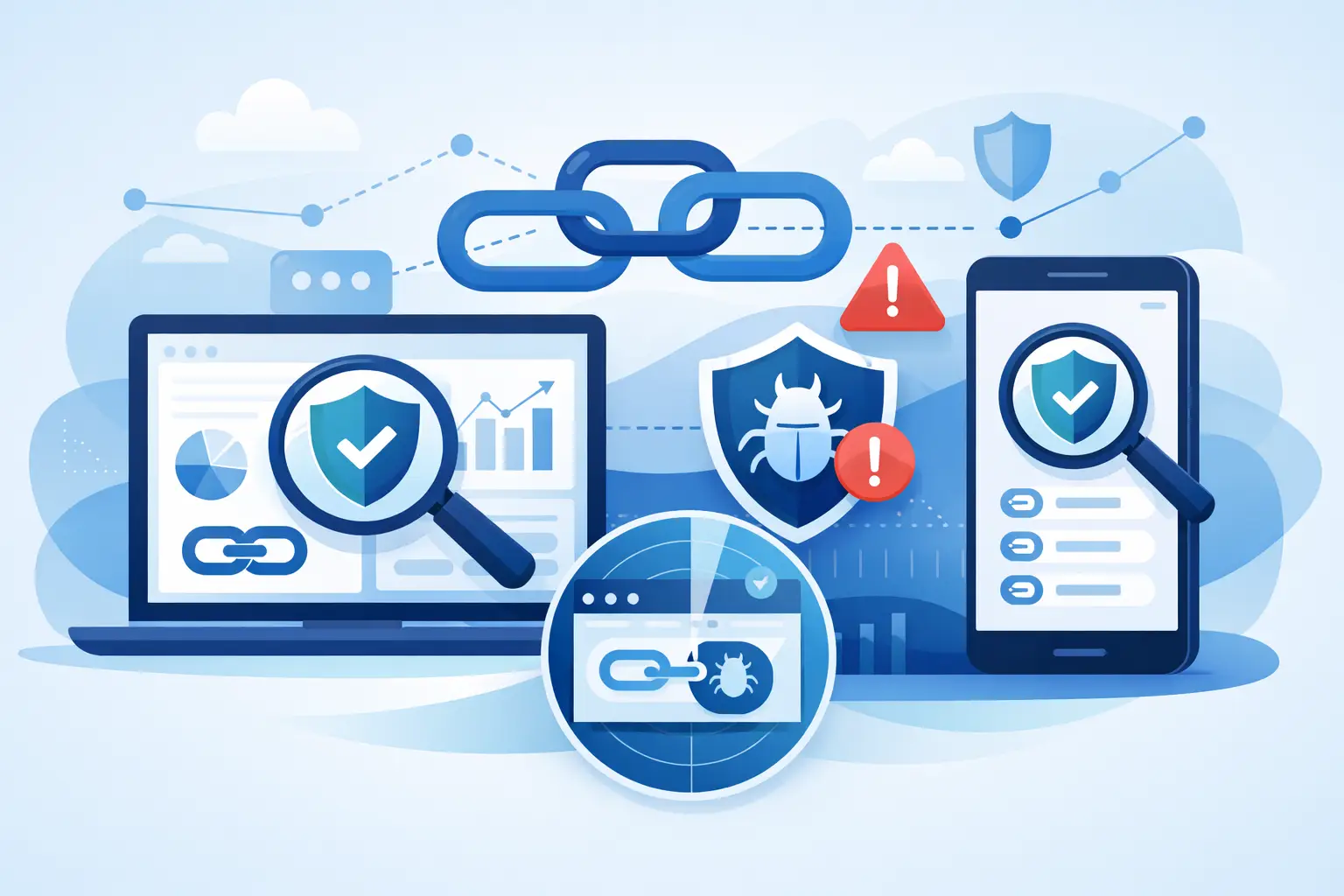
A link can look polished, branded, and campaign-ready while sending someone somewhere they should never go. That is why a guide to link safety scanning matters for every marketer, creator, developer, and growth team that shares URLs at scale. The goal is not just to avoid an obvious phishing page. It is to protect audience trust, preserve clean analytics, and prevent one bad destination from damaging a campaign you worked hard to build.
What Link Safety Scanning Actually Checks
Link safety scanning evaluates a destination before people click it. A good scan looks beyond the visible short link and examines the final page, redirect behavior, domain reputation, and signals associated with malware, phishing, deceptive downloads, or other suspicious activity.
This distinction matters because the first URL is not always the real destination. Short links, tracking parameters, affiliate redirects, geographic routing, and device-specific experiences can create several hops between a shared link and the page a visitor finally sees. A scanner that checks only the first domain can miss the risk hiding farther down the chain.
Safety scanning is also different from basic link validation. Validation asks whether a URL works. Safety scanning asks whether that working URL is safe to distribute. Both are useful, but only one protects your audience from a harmful or misleading destination.
Why Safe Links Protect More Than Your Audience
Every shared link carries your brand name with it. If a customer receives a suspicious redirect in a newsletter, QR code, social post, or product message, they may not separate the bad experience from the company that shared it. They simply learn not to click next time.
That loss of trust affects performance quickly. Lower click-through rates, more support requests, abandoned signup flows, and weaker engagement can all follow a bad link experience. For growth teams, link safety is not an isolated security task. It supports conversion, retention, and reliable attribution.
There is also an analytics reason to scan. Malicious destinations can attract bot activity, trigger browser warnings, or cause visitors to exit before your tracking setup records meaningful engagement. The result is noisy campaign data that makes a good decision look bad or hides a real problem behind inflated clicks.
A Practical Guide to Link Safety Scanning Before You Share
The most effective approach is to make scanning part of link creation, not a cleanup task after distribution. When a team generates hundreds of links for ads, creator partnerships, product updates, and automated messages, relying on someone to manually check every URL is slow and inconsistent.
Start by checking the final destination, including every redirect in between. A campaign URL may pass through a tracking service, an ecommerce platform, a localization rule, and a landing page before it resolves. Review the full path whenever possible, especially when a destination comes from a partner, user-generated submission, or external vendor.
Next, look for trust signals that explain the result. A simple safe or unsafe label is helpful, but it is not enough for teams that need to decide what to do next. Transparent scoring gives you context: Was the issue a known malicious domain, an unusual redirect pattern, a newly registered destination, or a page that behaves differently on mobile?
Then decide on an action. High-risk links should be blocked from distribution. Medium-risk links may need human review, particularly if they point to a legitimate new domain or a region-specific campaign page. Low-risk links can move forward, but they should still be monitored after launch because destinations can change.
Watch for Redirects That Change by Device or Location
One of the hardest link safety problems is the destination that changes based on who is clicking. A URL might send desktop users to a normal landing page while routing mobile visitors to an aggressive download prompt. It may show a clean page in one country and a suspicious page in another.
This is why scanning a link once from one browser is not always enough. For higher-stakes campaigns, test the experience across the devices and locations that matter to your audience. QR codes deserve extra attention because the user often cannot preview the destination as easily as they can with a standard web link.
Traffic routing can be valuable when it improves relevance, such as sending visitors to the correct app store or regional product page. The trade-off is complexity. Every routing rule adds another place where a configuration mistake, compromised destination, or unexpected redirect can create risk. Keep routing rules organized and avoid sending traffic through unnecessary hops.
Build Safety Into Your Team Workflow
The best safety process is fast enough that people will actually use it. If checking a destination takes too long, campaign teams will work around the process. Put the scan where people already create, shorten, approve, and share links.
For a small team, that may mean scanning each new destination before it becomes a branded short link or QR code. For a larger organization, establish a simple set of rules: known approved domains can be used quickly, new external domains require review, and any high-risk result is automatically stopped.
Developers can take this further through API-based creation workflows. When applications, CRM systems, content tools, or internal dashboards generate links automatically, safety checks should happen before the link is published to users. Webhooks can alert the right team when a destination changes status, while an audit trail helps answer a practical question later: who created this link, where was it used, and what did it resolve to at the time?
A useful workflow has four distinct stages:
- Scan the destination when the link is created.
- Block or hold links that cross your risk threshold.
- Review redirect behavior before a major campaign launches.
- Monitor active links and rescan when destinations change.
That process is not excessive. It is a lightweight control that prevents expensive cleanup after a link is already in front of customers.
Avoid the False Sense of Security
No scanning system can promise that every URL will remain safe forever. A legitimate site can be compromised after you create a link. A new domain can be safe but unfamiliar, which may create a cautious score that needs review. Automated tools are strongest when they reduce routine risk and surface the exceptions worth a human decision.
Teams should also avoid treating a branded domain as proof that the destination is safe. Branding helps users recognize who shared the link, but it does not remove the need to inspect where the link goes. In fact, recognizable branded links make safety controls more important because a bad destination can borrow the trust your domain has earned.
Be careful with manually edited destination URLs as well. A small typo in a subdomain, a copied tracking parameter, or an outdated partner landing page can lead to an unintended destination without looking obviously malicious. Link organization, clear naming conventions, and ownership fields make these errors easier to catch.
Use Trust Scores to Make Faster Decisions
Trust scoring turns a technical scan into an operational decision. Instead of forcing every team member to interpret raw threat data, a score can help define what happens next. Low-risk links publish normally. Links with caution signals go to review. High-risk destinations are prevented from reaching the audience.
The value comes from consistency. A creator publishing one link and a developer generating ten thousand links through an API should be protected by the same standards. AWSYS applies transparent trust scoring at link creation and can automatically block malicious destinations, helping teams shorten, track, and distribute with less manual risk.
Keep the thresholds aligned with the campaign. A public giveaway, financial transaction flow, or QR code placed in print may justify a stricter review process than an internal test link. The right balance depends on audience exposure, the source of the destination, and how difficult it would be to correct the issue after launch.
The Safer Link Is the Easier Link to Trust
Link safety scanning should feel like a built-in part of shipping a campaign, not a last-minute obstacle. Scan before distribution, understand redirect behavior, use clear risk thresholds, and keep monitoring links that remain active. Your audience should never have to wonder whether a link carrying your brand is worth clicking. #AWSYSCO