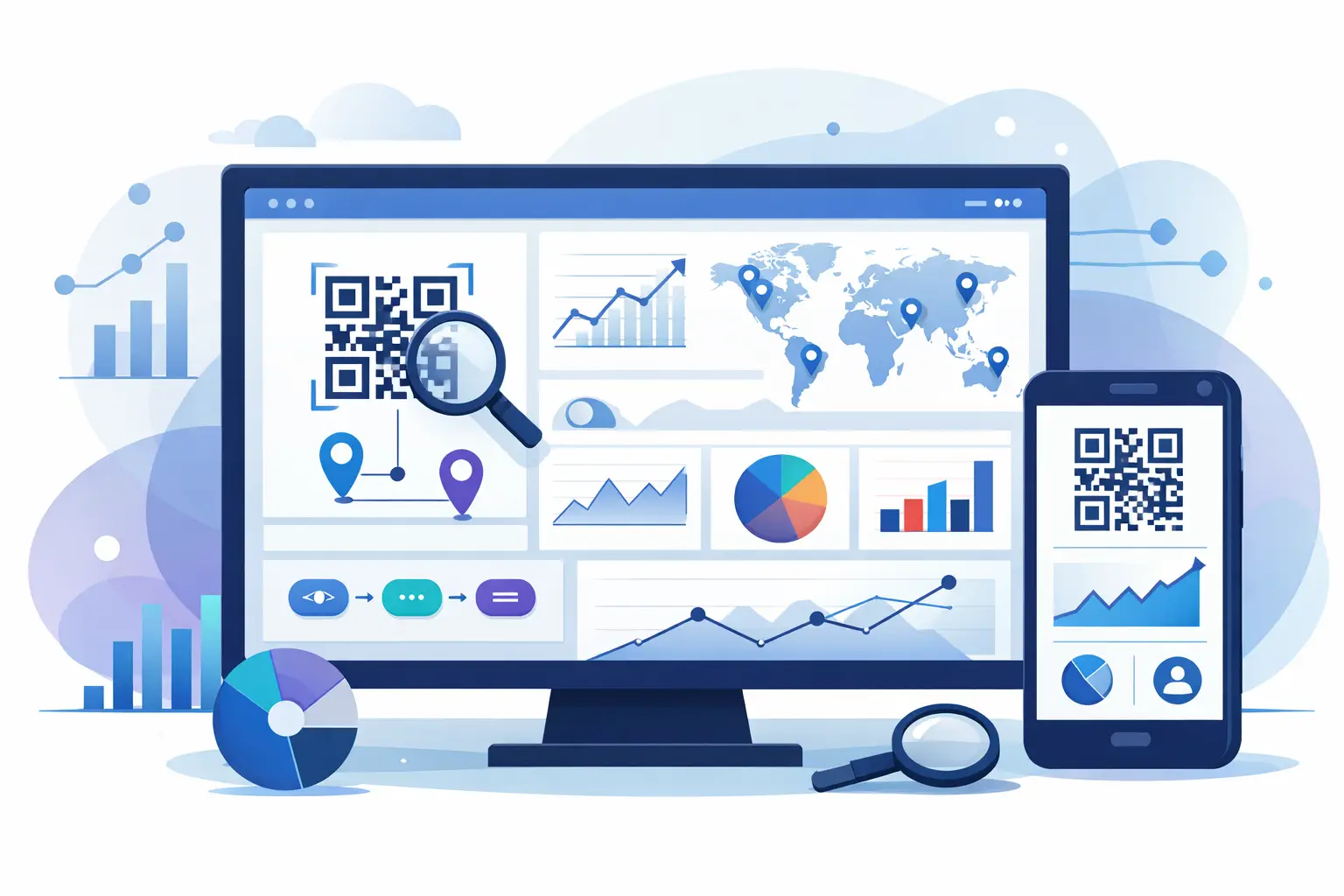
A QR code gets printed, posted, shared, and scanned in seconds. Then the real question starts - what happened next? A QR analytics dashboard answers that fast. It shows whether people scanned, where they came from, what device they used, and whether the campaign actually moved someone toward a click, signup, or sale.
That sounds simple until you start using QR codes across packaging, events, retail displays, direct mail, menus, product inserts, and social content. Suddenly, scan counts alone are useless. You need context. You need to know which placements are working, which audiences are responding, and whether your QR traffic is clean enough to trust before you make budget decisions.
Why a QR analytics dashboard matters
QR codes live in the messy part of marketing - the space between offline attention and online action. That makes them valuable, but it also makes them easy to misread. A raw scan number can look great while conversion quality is poor. A lower scan count can outperform when the traffic comes from the right region, on the right device, at the right time.
A good dashboard turns QR activity into decision-ready data. Instead of asking whether a code was scanned, you can ask better questions. Did the poster in the store window outperform the one at checkout? Did conference badge scans come from qualified buyers or casual traffic? Did a product label campaign drive repeat visits after the first scan?
For marketers, that means better attribution. For creators, it means a clearer view of what content or placement earns attention. For developers and product teams, it means cleaner data inputs for routing, automation, and reporting. For lean businesses, it means fewer blind spots and less money wasted on channels that look active but do not convert.
What a QR analytics dashboard should actually track
The first metric is obvious: total scans. But that number only matters when paired with time-based trends. You want to see scan velocity by hour, day, week, or campaign period. A spike after an event booth opens tells a different story than a slow, steady stream from packaging sitting on shelves for months.
Unique scans matter too, although they are not perfect. Depending on the platform, uniqueness may be estimated through device and browser signals, so it is best treated as directional rather than absolute. Still, it helps separate repeat engagement from broad first-time reach.
Device and platform data in a QR analytics dashboard
Device breakdowns reveal how people experience the destination after the scan. If most traffic lands on mobile Safari, your page speed and form design on iPhone matter more than your desktop layout. If Android share is unusually high for a campaign, that may affect app deep linking, rendering, or conversion flow.
Operating system, browser, and device category are not vanity metrics. They help explain friction. If scans are strong but conversions lag on one device family, you have a practical problem to fix, not a traffic problem.
Geography, language, and local performance
Location data gives QR campaigns real value, especially when codes appear in physical places. A dashboard should surface country, region, and city-level patterns where possible. That helps you compare in-store materials across markets, evaluate localized packaging, or spot whether scans are happening where the campaign was actually deployed.
Language and regional patterns can also reveal mismatches between the code placement and the landing experience. If a bilingual campaign is driving scans from Spanish-speaking audiences but landing on an English-only page, performance will likely suffer long before someone mentions it in a meeting.
Time, source context, and scan intent
Good QR reporting should help you understand when people scan and what that timing suggests. Morning scans from commuter hubs signal different intent than late-night scans from a restaurant table tent. Time-of-day and day-of-week patterns can shape staffing, creative rotation, or campaign timing.
Source context is harder with QR than with standard digital links because the scan often starts offline. That is why naming conventions and campaign structure matter. If each placement uses its own code, your dashboard becomes far more useful. One code per channel, location, creative variant, or surface gives you clear comparisons instead of one blended data pool that hides underperformance.
The metrics that move beyond scans
The best QR analytics dashboard does not stop at the code. It follows the user into the click path and shows what happened after the redirect. Did the visitor bounce? Did they complete the form? Did they reach a product page, app store, booking flow, or lead capture step?
This is where teams often miss the point. QR performance is not about collecting scans like trophies. It is about measuring outcomes. If 5,000 people scan and almost none take the next step, the code placement may be eye-catching but commercially weak. If 500 scan and 80 convert, you have something worth scaling.
That is also why redirect analytics matter. A smart setup lets you route users by device, geography, time, or campaign logic, then measure how each branch performs. This is especially useful when one QR code has to serve multiple user contexts without sending everyone to the same generic destination.
Trust and traffic quality are part of the story
Not every scan should be treated equally. Some traffic is low intent. Some is accidental. Some can be distorted by bots, scanners, preview systems, or unsafe destinations that erode user confidence before the click even happens.
A stronger dashboard should help you separate genuine engagement from noise. Safety scanning, blocked destinations, and visible trust signals matter here because QR users cannot preview the destination the same way they can with a normal URL. If people hesitate to scan, or if a destination gets flagged, campaign performance suffers before the analytics even start.
For brands distributing QR codes at scale, trust is not a side feature. It protects conversion rates and brand reputation. A platform that scores links at creation time and blocks risky destinations gives teams a cleaner baseline for measurement. That means fewer false reads in your data and fewer preventable problems after launch.
How teams should use a QR analytics dashboard in practice
The most useful dashboards support decisions, not just reporting. Marketers should use them to compare creative variants, placement quality, and post-scan conversion paths. If one flyer version gets more scans but another drives more purchases, the better design is not the one with the prettier top-line number.
Creators can use the same data to learn which formats prompt action. A QR code in a tutorial PDF may attract deeper intent than one shown quickly in a video outro. That difference matters if you are building lead magnets, downloads, or subscription funnels.
Developers and startup teams often care about automation. They want QR activity flowing into webhooks, campaign reports, CRM updates, or internal dashboards. In that context, the value of a QR analytics dashboard depends on structure. Clean tags, predictable naming, and API access matter as much as the chart design.
For AI-oriented workflows, traffic classification is becoming more relevant too. As automated systems interact with links differently from human visitors, teams need better visibility into what kind of traffic they are seeing and how it should be interpreted. That is one reason more advanced link platforms, including AWSYS, are treating analytics as infrastructure rather than a reporting add-on.
What separates a useful dashboard from a pretty one
A polished interface helps, but the real test is whether the dashboard answers practical questions quickly. Can you segment by campaign? Can you compare QR codes across placements? Can you spot a device-specific drop-off without exporting three files and cleaning the data yourself?
It also depends on how fast the platform gets from scan to insight. If data is delayed, buried, or too shallow, the dashboard becomes a museum of things that already happened. Fast-moving teams need reporting they can act on while a campaign is still live.
There is always a trade-off between simplicity and depth. Small teams may want a clean view of scans, clicks, geography, and devices. Larger teams may need routing logic, APIs, branded domains, trust controls, and more granular campaign structure. The right setup depends on how many QR codes you manage, how often you optimize them, and how much risk you can tolerate from bad data.
A QR code is easy to generate. A useful measurement system is harder. The difference between the two is usually the dashboard behind it - and whether it gives you enough clarity to act before the next campaign goes out.