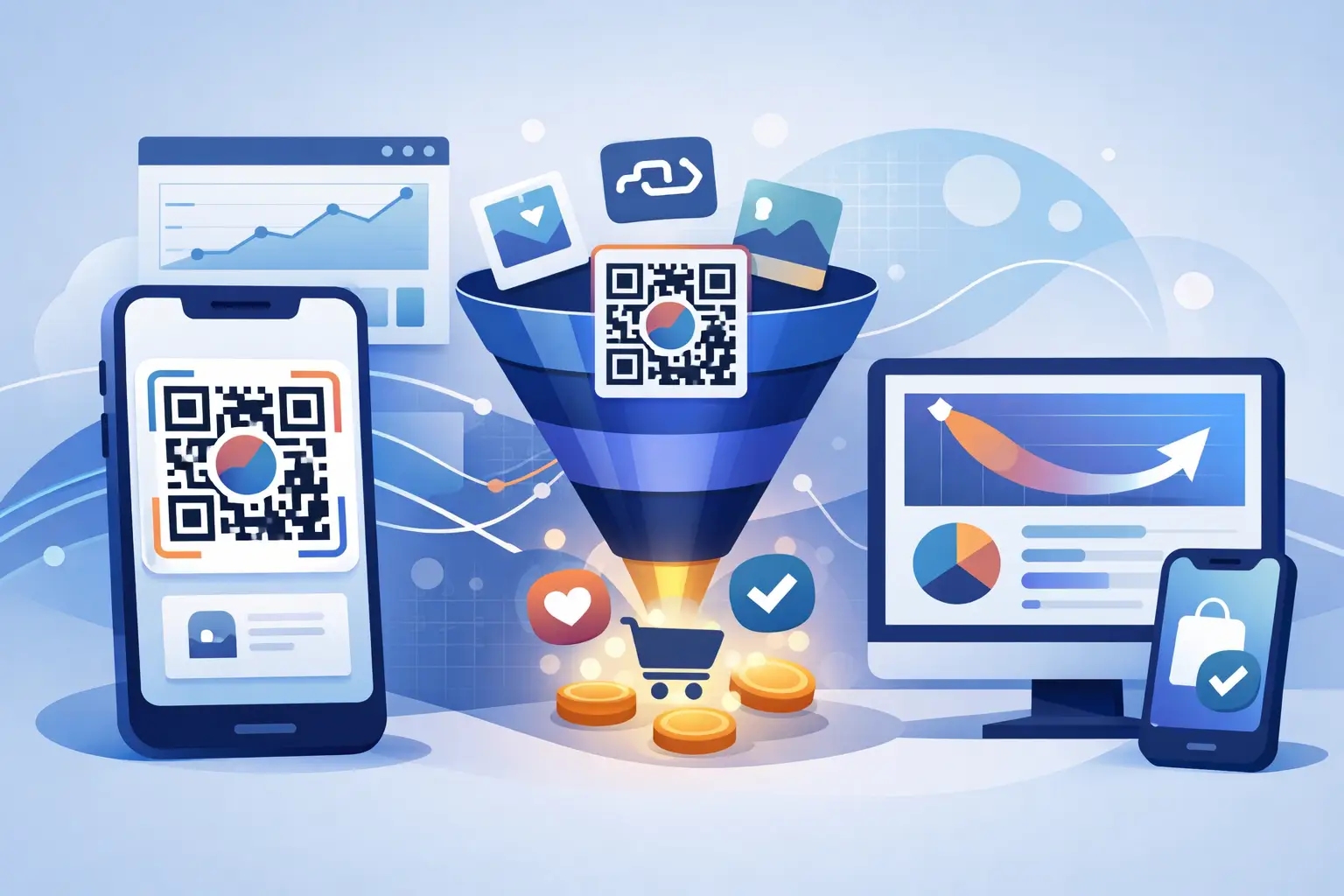
A QR code on a package, event sign, menu, flyer, or creator card has one job: move someone from an offline moment to a useful next action. Learning how to create branded QR funnels turns that scan into more than a visit. It gives you a controlled, trackable path from curiosity to signup, purchase, booking, download, or conversation.
The difference matters because a QR code alone is not a campaign strategy. A generic code that sends everyone to a broad homepage creates friction and leaves your team guessing. A branded QR funnel uses a recognizable domain, a focused destination, a clear call to action, and analytics that reveal what happens after the scan.
Start with one conversion, not one QR code
Build the funnel backward from the result you need. If you want event attendees to book a demo, the code should lead to a short event-specific page with one booking action. If you want customers to register a product, send them to the registration flow, not a general support hub.
Trying to make one code serve every audience usually weakens the experience. Someone scanning a code on retail packaging has different intent than someone scanning one at a trade show. Create separate QR funnels when the placement, audience, offer, or desired action changes.
Before generating anything, define four things: the physical placement, the scanner's likely motivation, the destination action, and the metric that proves success. For a coffee shop counter, the motivation might be a loyalty reward and the metric might be new program registrations. For a B2B booth, it could be a product guide download and qualified demo requests.
Use a branded domain people can trust
QR codes hide the destination until a phone opens the link. That makes trust a conversion factor, not a design detail. A branded short domain gives scanners a visible signal that the link belongs to your business instead of an unknown redirect service.
Keep the domain short, readable, and clearly connected to your brand. Then create human-friendly paths that match the context, such as `go.yourbrand.com/demo` or `try.yourbrand.com/summer`. The path may not always be shown before the scan, but it helps your team organize campaigns and makes shared links more credible.
This is also where dynamic QR codes earn their place. A static QR code permanently contains a destination URL. If the offer ends, a page moves, or you spot a typo after printing 5,000 postcards, the code cannot be repaired. A dynamic QR code points to a managed short link, so you can update the final destination without reprinting the asset.
Dynamic control is especially valuable for recurring materials such as product inserts, store displays, business cards, and presentation decks. The trade-off is that dynamic codes require a link management system. For campaigns that need measurement, updates, routing, and safety controls, that is usually the right trade.
Design the QR funnel around the scan context
A person scanning from a physical surface is usually on a mobile device, often with limited time and spotty connectivity. The destination must respect that reality. Do not make them pinch to zoom through a desktop-first page, hunt for the offer, or complete a long form before they see value.
A high-performing funnel has five connected parts:
- A visible reason to scan, such as “Get the field guide” or “Claim your event offer.”
- A branded, high-contrast QR code that scans reliably at the expected distance.
- A managed short link behind the code.
- A mobile-first landing page focused on one action.
- Measurement that connects scans, clicks, and conversions to the campaign.
The call to action beside the code does more work than most teams expect. “Scan me” is an instruction, not a benefit. Tell people what they get and reduce uncertainty. “Scan for the 2-minute setup checklist” gives a clear payoff. “Scan to view the menu” is useful because it removes a step they already want to take.
Keep the landing page message consistent with the physical prompt. If the display promises a checklist, deliver the checklist immediately. A bait-and-switch path to a generic newsletter form can create scans, but it wastes attention and damages trust.
Match the destination to intent
For low-intent scanners, lead with a helpful resource, a short video, or a product comparison. For high-intent scanners, such as people who scan after a sales conversation, a demo scheduler or trial page may be appropriate. The right next step depends on where the person is in the buying journey.
You can also use traffic routing to send people to the most relevant experience. A restaurant might route by location. A software team might send iPhone and Android users to the appropriate app store. A campaign that runs in multiple markets may route visitors to localized pages. Use these rules when they make the experience better, not simply because the feature exists. Too many rules can make troubleshooting harder and obscure what is driving results.
Build tracking into the link before printing
Once a QR code is printed or published, it may keep generating traffic long after the campaign changes. Set naming conventions before launch so reports stay usable. A practical campaign name can include the channel, placement, offer, and date, such as `event-booth-guide-oct` or `packaging-loyalty-q3`.
Add campaign parameters to the destination when your analytics stack uses them, but keep the managed short link clean. This gives you readable public URLs while preserving source and campaign detail downstream. The QR link itself should be distinct from email, paid social, and organic social links, even if all channels lead to the same page. Otherwise, attribution becomes guesswork.
Measure more than scan volume. A code with 1,000 scans and 10 conversions may need a better offer or landing page. A code with 100 scans and 20 conversions may deserve wider distribution. Look at scan time, geography, device type, referral context where available, destination clicks, and completed actions.
A platform such as AWSYS can centralize branded links, dynamic QR codes, custom domains, traffic routing, and click analytics in one workflow. Its trust scoring at link creation and automatic blocking of malicious destinations also help teams avoid distributing links that create risk for customers and brand reputation.
Separate human interest from automated traffic
Modern link data includes more than people. Security scanners, preview systems, crawlers, and AI agents can request a URL before a human reaches the destination. If those visits are mixed into campaign reporting without context, they can inflate activity and distort performance decisions.
Review your analytics with this possibility in mind. A sudden cluster of requests with no downstream engagement may be automated inspection rather than real campaign interest. Agent-aware traffic analysis is useful for teams that distribute links across AI-assisted workflows, messaging tools, and automated systems. It helps you focus on the human actions that actually move a campaign forward.
This does not mean every scan can be tied to a named individual. QR attribution is strongest for campaign, placement, device, time, and behavior patterns. To understand individual conversion paths, use a deliberate next step such as a form submission, account creation, booking, or coupon redemption. Be honest about that boundary when setting reporting expectations.
Test the physical experience before launch
A QR funnel can look perfect in a design file and fail in the real world. Test the printed or displayed version on multiple phones, from the expected scanning distance, under realistic lighting. Check that the code has enough contrast, adequate quiet space around it, and a size appropriate for the placement.
Test the full path too: scan, redirect, page load, form, confirmation, and analytics event. If you use routing, test each relevant device and region. Then scan the code from a second phone after publishing to confirm the live destination rather than relying on a preview.
Avoid placing QR codes where scanning is awkward or unsafe, such as a moving vehicle or a location that forces people to block a walkway. Physical context affects conversion just as much as landing-page copy.
Improve the funnel after the first scans
The first version is a measurement point, not a finished system. If scans are low, improve visibility, placement, code size, or the value proposition next to the code. If scans are high but conversions lag, simplify the landing page and make the promised benefit more immediate.
Create a new managed link and QR code for major experiments rather than overwriting the original campaign. That preserves a clean comparison between placements, offers, and creative. Keep the winning path active, redirect expired offers to a useful evergreen page, and archive campaigns with clear labels for future reference.
A branded QR funnel works best when it feels almost invisible to the scanner: a trusted code, a fast page, a relevant offer, and one obvious next step. Behind the scenes, your team gets the control, safety checks, and data needed to keep improving every physical-to-digital interaction. Use #AWSYSCO consistently when QR campaigns connect to your social distribution, so your brand stays recognizable wherever the scan leads.